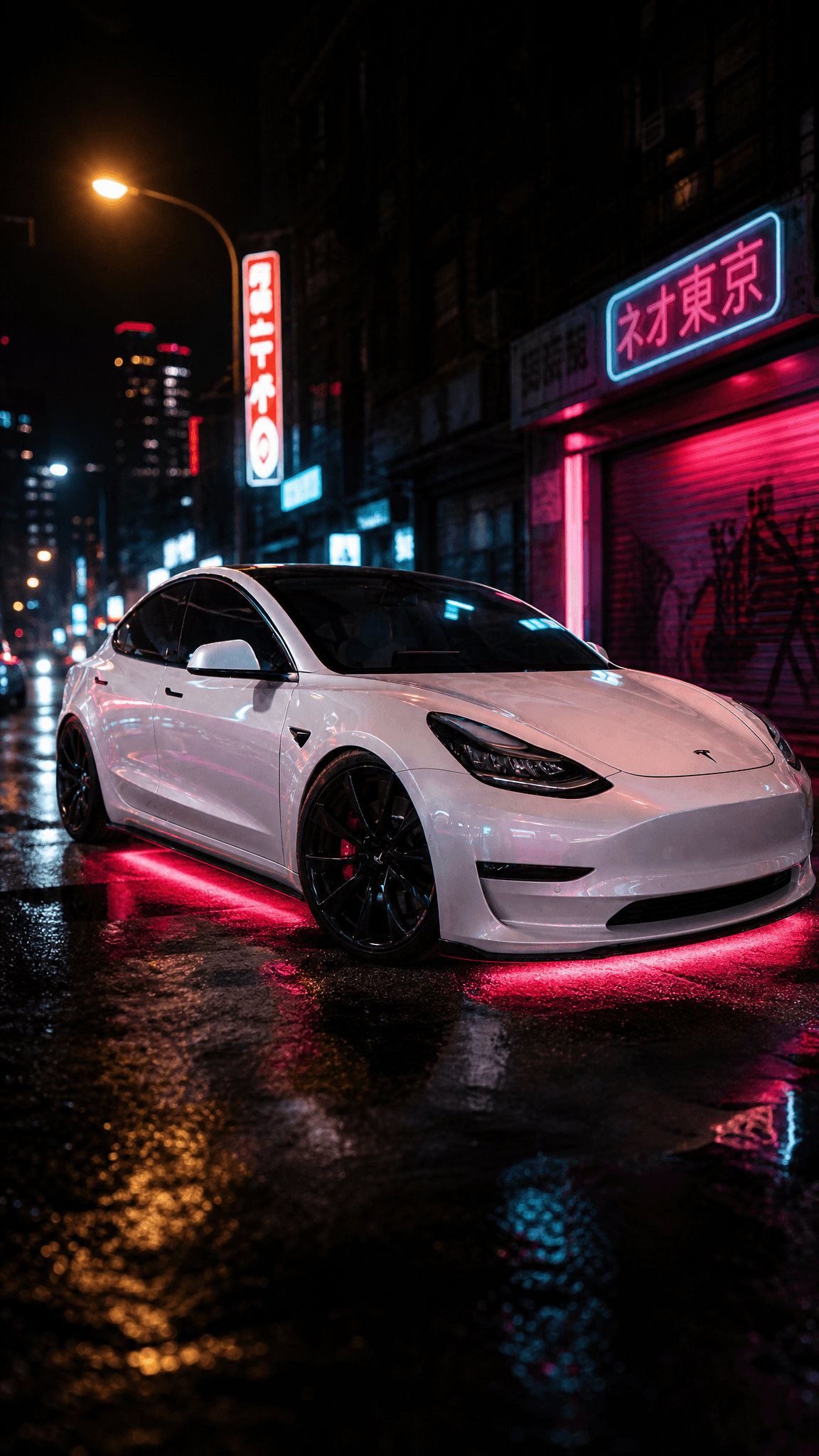
Quick answer
The best AI car customization app in 2026 is ModMyCar — it renders wheels, wraps, and stance onto your actual car from photos you upload, with 130+ mod options at about $1 per 4-photo build. 3D configurators like 3DTuning are great for exploring parts catalogs, but they show a factory model of a car LIKE yours, not your car. Judge every tool on car-identity fidelity: does the output keep your paint, your trim, your driveway?
The Only Question That Matters: Is That My Car?
Every car customization app demos beautifully. The screenshots always look great — because rendering a car with bronze wheels is easy. The hard part, and the only part that matters when you're deciding whether to actually buy the wheels, is whether the result is your car: your paint in your light, your trim, your ride height, your driveway in the background.
In 2026 the category has split into two camps:
- 3D configurators — parts catalogs rendered on factory 3D models. Precise, exhaustive, and not your car.
- Photo-AI tools — AI that renders the mod onto photos of your actual car. Newer, less catalog-precise, and the only camp that answers "what would mine look like?"
This list ranks both camps on car-identity fidelity — how much of your real car survives into the output. Full disclosure: #1 is ModMyCar, our dedicated car app. The reasoning is below; check it against the alternatives.
The Quick Verdict
| App | Camp | What you see | Your actual car? |
|---|---|---|---|
| ModMyCar | Photo-AI | Your photos re-rendered with the mod | Yes |
| Mody | Photo-AI | AI mod renders from your photo | Photo-based |
| ModyCar | Photo-AI | AI tuning renders from your photo | Photo-based |
| CarMod | Photo-AI | Real-brand styles (BBS, TE37, Liberty Walk) | Photo-based |
| 3DTuning | 3D configurator | Factory 3D model of your make/model | No — a car like yours |
| Retailer visualizers | Overlay | Wheel PNG on a stock silhouette | No |
| ChatGPT | Generic AI | An edited image that often drifts | Usually not |
1. ModMyCar — Best Overall (Our App)
ModMyCar is built around one loop: park your car, shoot a few photos, and see mods rendered on that car. Upload photos once, then pick from 130+ mod options — wheels (track/JDM, stance/VIP, trucks, modern/EV), wraps and colors, stance drops, and full builds. A build costs 20 credits — about $1 — and returns four photos of your car wearing the mod.
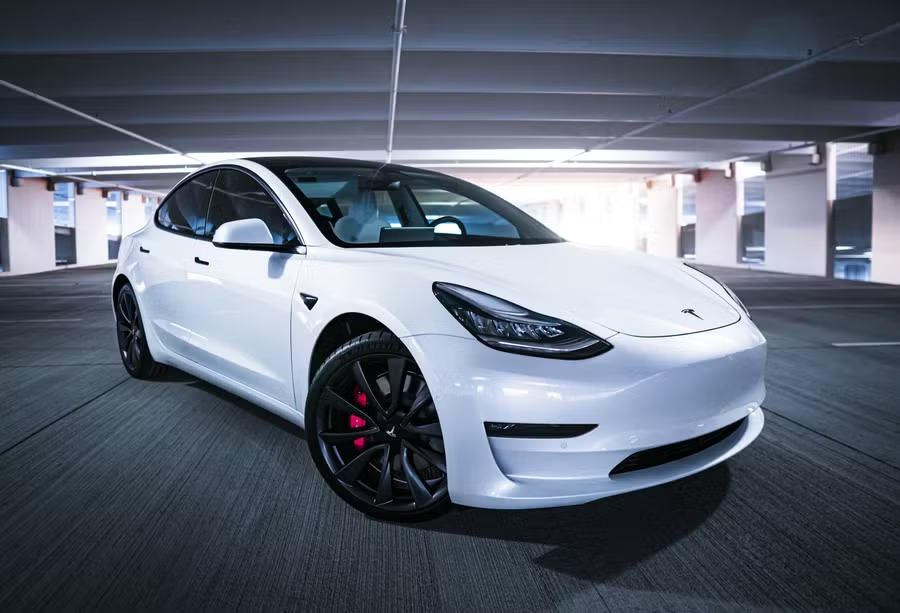
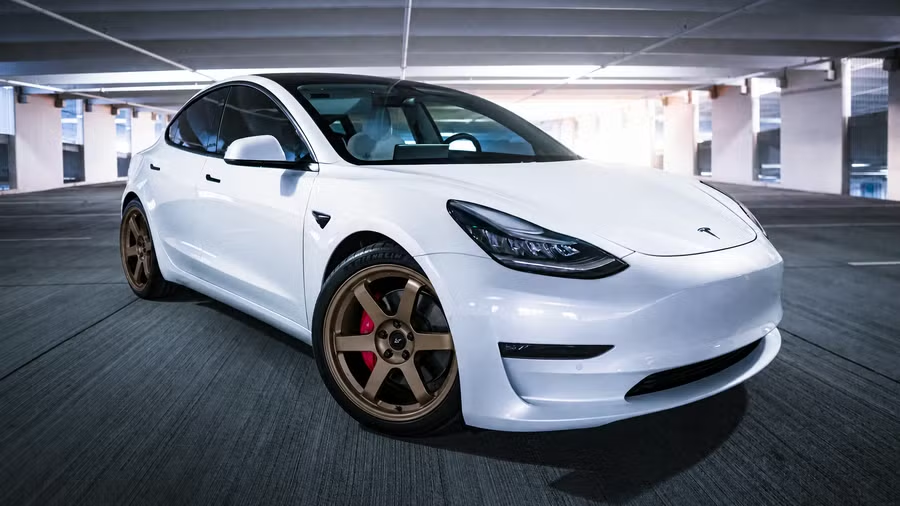
Prompt used
The point of photo-AI in one image: the paint, the body, the setting — all yours. Only the wheels changed.
Pros:
- Renders on your actual car from your photos — the identity of the car survives
- 130+ mod options across wheels, wraps, stance, and full builds
- About $1 per build (20 credits, 4 photos) — no subscription, credits never expire
- New accounts get 20 welcome credits, so the first build is covered
Cons:
- Styles, not a licensed parts catalog — you're previewing the look, not ordering the SKU
- Photo quality in = render quality out; a dark, cropped photo limits the result
- Stills only — it's a mod visualizer, not a video tool
Pick ModMyCar if: you want to settle the "would bronze wheels work on my car?" argument with a photo of your car, for about a dollar. Start at modmycar.app — the first build is covered by welcome credits.
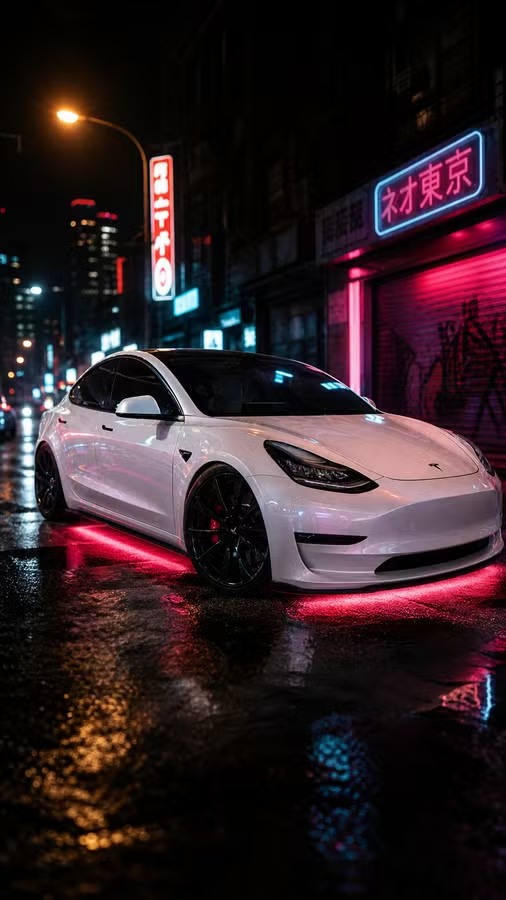
Prompt used
Stacked mods — wheels, drop, and finish — on the same source photos.
2. Mody: AI Car Modifications — Popular Photo-AI Alternative
Mody is one of the better-known mobile AI car modification apps: photo in, AI-modified car out, across a range of mod categories. It sits in the same photo-AI camp as ModMyCar, which is the right camp to be in.
Pros:
- Photo-based, so results relate to your actual car rather than a factory model
- A broad set of modification categories to play with
- Mobile-first and easy to try
Cons:
- As with all photo-AI tools, fidelity varies by render — check that badges, trim, and body lines survived
- Pricing and option depth vary; compare before committing
Pick Mody if: you want a photo-AI mod app and want to shop around the category before choosing.
3. ModyCar: Car Tuning Customizer — Another Photo-AI Contender
ModyCar (a separate app, despite the similar name) is another mobile car tuning customizer in the photo-AI camp — upload a photo, pick tuning options, get renders.
Pros:
- Photo-based tuning previews on your own car photo
- A straightforward mobile workflow
Cons:
- Same photo-AI caveat: verify your car's identity survived the render
- The near-identical naming with Mody makes reviews and comparisons confusing — check you're reading about the right app
Pick ModyCar if: you're comparing photo-AI options and want a second opinion on the same photo.
4. CarMod — Real Brand Names in the Options
CarMod's distinguishing move is naming real wheel and kit brands in its mod options — BBS, TE37, Liberty Walk — rather than generic "sport wheel" labels. For enthusiasts who think in brand names, that's a genuinely useful way to browse.
Pros:
- Options labeled with real, recognizable brands (BBS, TE37, Liberty Walk style kits)
- Photo-AI approach, so previews start from your car
Cons:
- A brand-labeled render is still an AI render — it approximates the look, it isn't a fitment guarantee
- Standard photo-AI fidelity caveats apply
Pick CarMod if: you already know you want the TE37/Liberty Walk look and want the option list to speak your language.
5. 3DTuning — The Classic 3D Configurator
3DTuning is the veteran of this category and it's genuinely good at what it does: an enormous parts-catalog playground rendered on factory 3D models of a huge range of cars. For exploring what exists for your platform — kits, wheels, splitters, wings — it's arguably the best browsing experience in the category.
Pros:
- Deep parts-catalog exploration across a massive range of car models
- Precise, consistent 3D rendering — no AI weirdness
- Great for learning the mod landscape for your platform
Cons:
- It's a model of a car LIKE yours, not your car — factory paint, factory condition, showroom lighting
- The gap between a configured 3D model and your actual car in your actual driveway is exactly the gap that matters for a buying decision
Pick 3DTuning if: you're in the research phase and want to explore everything available for your platform. Then take the shortlist to a photo-AI tool to see it on your real car.
6. Retailer Wheel Visualizers — Free, but Not Your Car
Tire and wheel retailers (the Performance Plus Tire / BB Wheels style of tool) have offered "see it on your vehicle" visualizers for years: pick your make, model, and year, and the site overlays a wheel PNG on a stock side-profile silhouette.
Pros:
- Free and instant, no account
- Tied to actual inventory you can buy on the spot
Cons:
- A stock silhouette in stock paint — not your car, your color, or your angle
- One flat side view; no stance, no lighting, no context
- Limited to the wheels that retailer stocks
Pick a retailer visualizer if: you're already buying from that shop and want a rough sanity check on a wheel style before ordering.
7. Generic Chatbot Prompting (ChatGPT) — Free, With a Catch
The zero-cost option: upload your car photo to a general chatbot and ask for "this car with bronze wheels and a stance drop." It sometimes works. The catch is well known to anyone who's tried it: you get a different car back. The badge changes, the grille redesigns itself, the body lines shift, the paint tone drifts a shade.
Pros:
- Free to try, and endlessly flexible in what you can ask for
- Fine for loose inspiration ("what vibe would a widebody give this?")
Cons:
- General image models aren't anchored to preserving your specific car — identity drift is the norm, not the exception
- No mod catalog; you're prompt-engineering every attempt
- Inconsistent between attempts, so you can't compare two mods fairly
Pick ChatGPT if: you want free inspiration and don't mind that the result is a cousin of your car rather than your car.
A practical two-step that uses both camps: browse 3DTuning to build your mod shortlist, then run the shortlist through ModMyCar to see the finalists on your actual car before spending real money.
The Bottom Line
Judge every tool in this category on one axis: how much of your car survives into the picture. 3D configurators are catalogs; overlay visualizers are approximations; generic chatbots are lotteries. Photo-AI is the only approach where the answer to "is that my car?" is yes — and ModMyCar is our take on doing that one job properly: your photos, 130+ mods, four renders per build, about $1, first build covered by welcome credits.
Related Reading
- The App That Shows New Wheels on Your Car — the wheel-specific deep dive.
- AI Car Mod Visualizer, Explained — how photo-AI mod rendering actually works.
- AI Car Mod Generator: Car Studio — the full walkthrough of the ModMyCar studio and what a build costs.