Quick answer
Use an AI character swap. On Starrd, open Character Swap, upload the video and one clear photo of yourself, and pick 480p or 720p. The AI replaces the person in the clip with you and copies their exact movements, while the scene, camera and timing stay as filmed. No prompt needed. Clips can be 4 to 28 seconds, priced by the second from 100 credits, and it usually takes about 5 minutes.
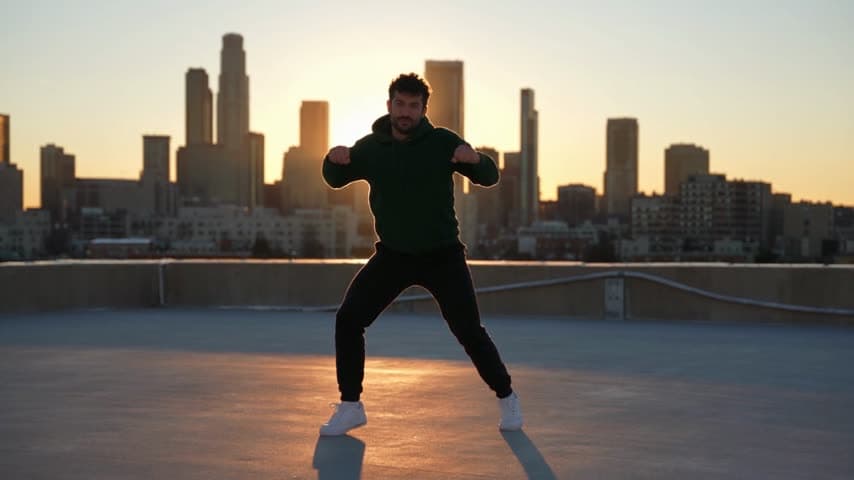
One clip, one photo of you, and you get the same video back with you in it. Same moves, same place, same camera. Here's the clip we started with:
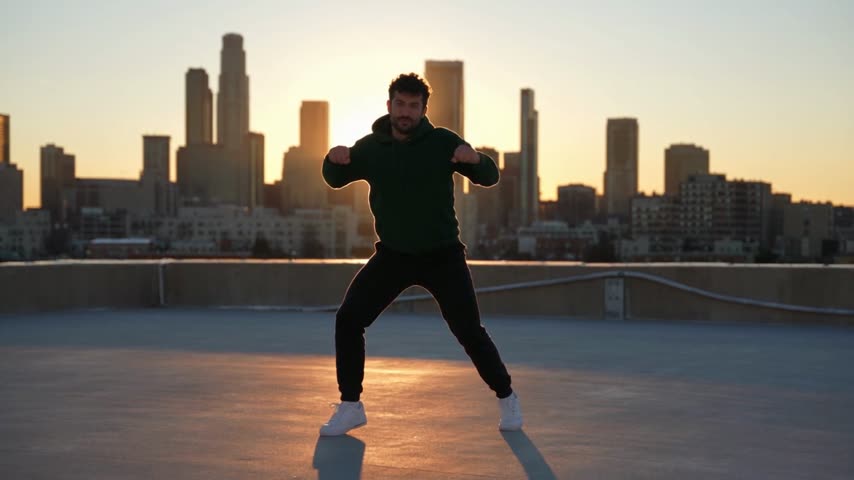
And here it is after the swap, from one photo:
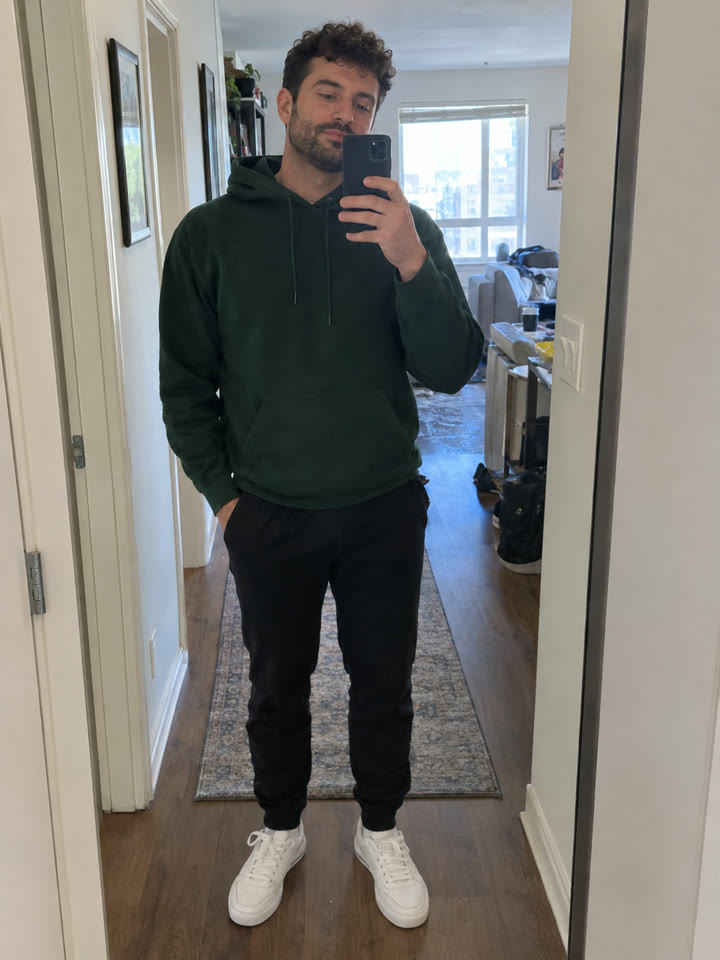
Same source photo
Character swap from one photo
One full-body photo. No prompt.
Character Swap
Upload any clip and a photo of you. Same moves, same scene, you in it.
How to Do It
- Open Character Swap and upload your clip, 4 to 28 seconds.
- Add one photo of you. Head to toe is best.
- Pick 480p or 720p and swap. It usually takes about 5 minutes.
Clips That Swap Best
- One person in the clip. With a crowd, the AI has to guess who to replace.
- The person stays in frame. Someone walking in and out gives it less to copy.
- Their face shows at some point. That's where your likeness comes through.
Lighting comes from the clip, not your photo. On a sunset rooftop you'll be backlit, so a sharp, well-lit photo matters even more.
Photos That Work Best
- Full body, standing. It carries over your build and your outfit.
- Sharp and evenly lit. No heavy filters, sunglasses or hats over your hair.
- Just you. One person per photo.
Character Swap vs Face Swap
A face swap pastes your face onto someone else's body. A character swap replaces the whole person: your face, hair, body and clothes, moving the way they moved. That's why it holds up in full-body dance clips, where a face swap looks off.
Want a Ready-Made Scene?
The trending ones are already set up as one-tap templates. Zombie Love Story is built on this exact swap:
Zombie Love Story
Two photos, you and your person, in the viral zombie short. 24 seconds.
Hotel Lobby
The viral Hotel Lobby clip, starring you.
Related Reading
- How to Replace an Object in a Video With AI: swap your car or a product into a clip instead
- How to Make the Zombie Love Story AI Video: a two-person swap, ready made
- Viral AI Video Trends (2026): this month's trends worth swapping into