Quick answer
Use an AI object swap. On Starrd, open Object Swap, upload the clip, add a photo of the new object, and write one line saying what to replace, like 'Replace the red sports car with the car in the photo.' The road, people, light and camera move stay as filmed. Clips can be 4 to 28 seconds, priced by the second from 100 credits, and it usually takes about 5 minutes.
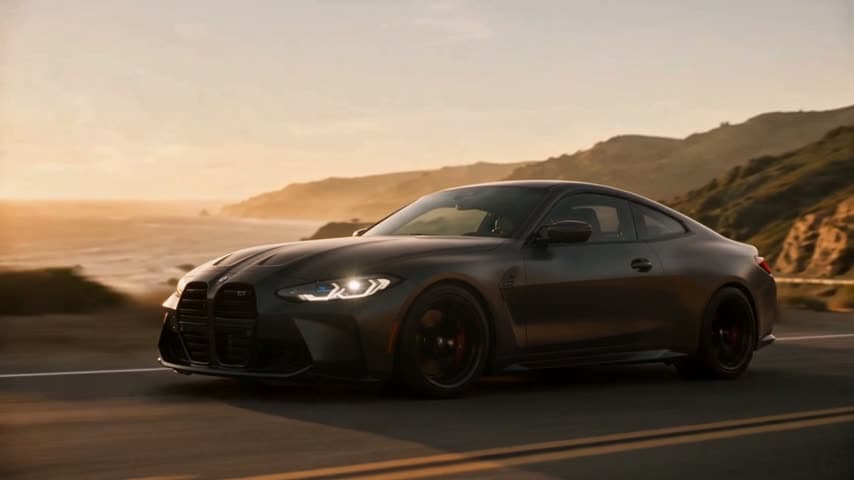
One clip, one photo of the new thing, one line of text. Everything else stays as filmed. Here's a stock driving shot:
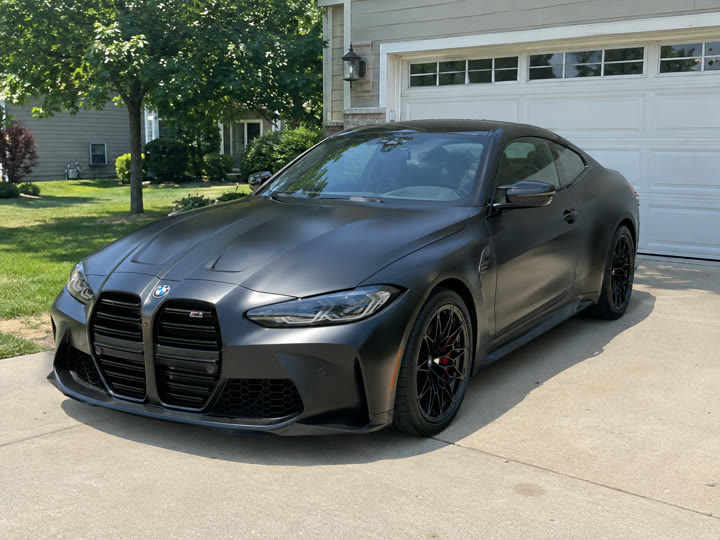
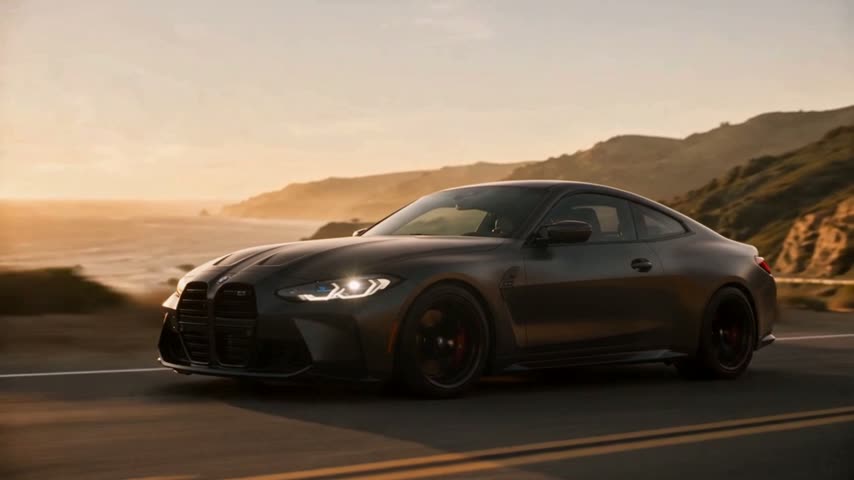
We added a driveway photo of a matte BMW and wrote one line:
Prompt used
Replace the red sports car with the car in the photo.
Object Swap
Upload a clip and a photo of the new thing. One swap, the rest stays as filmed.
How to Do It
- Open Object Swap and upload your clip, 4 to 28 seconds.
- Add a photo of the new object. Your car, your product, an outfit.
- Say what to replace in one line, pick 480p or 720p, and swap.
What Swaps Best
- Similar size and shape. A car for a car, a bottle for a bottle.
- The object is clearly visible in the clip, not hidden behind people.
- One swap per clip. Name one thing.
Use a photo that shows the whole object, evenly lit, with nothing in front of it. A driveway shot of your car is perfect.
Ideas
- Your car in a dream drive. Coastal roads, city at night, a mountain pass.
- Your product in a UGC clip. Swap your bottle, box or can into someone holding a similar one.
- A new outfit. Swap the jacket or shoes in a clip for the ones in your photo.
Want to Swap a Person Instead?
Character Swap
Put yourself in any clip, with the same moves in the same scene.
Related Reading
- How to Put Yourself in Any Video With AI: the same idea, for people
- TikTok Shop Product Video Without Filming: more ways to make product clips
- AI Car Mod Visualizer: see changes on your own car first