Pranks (Video)
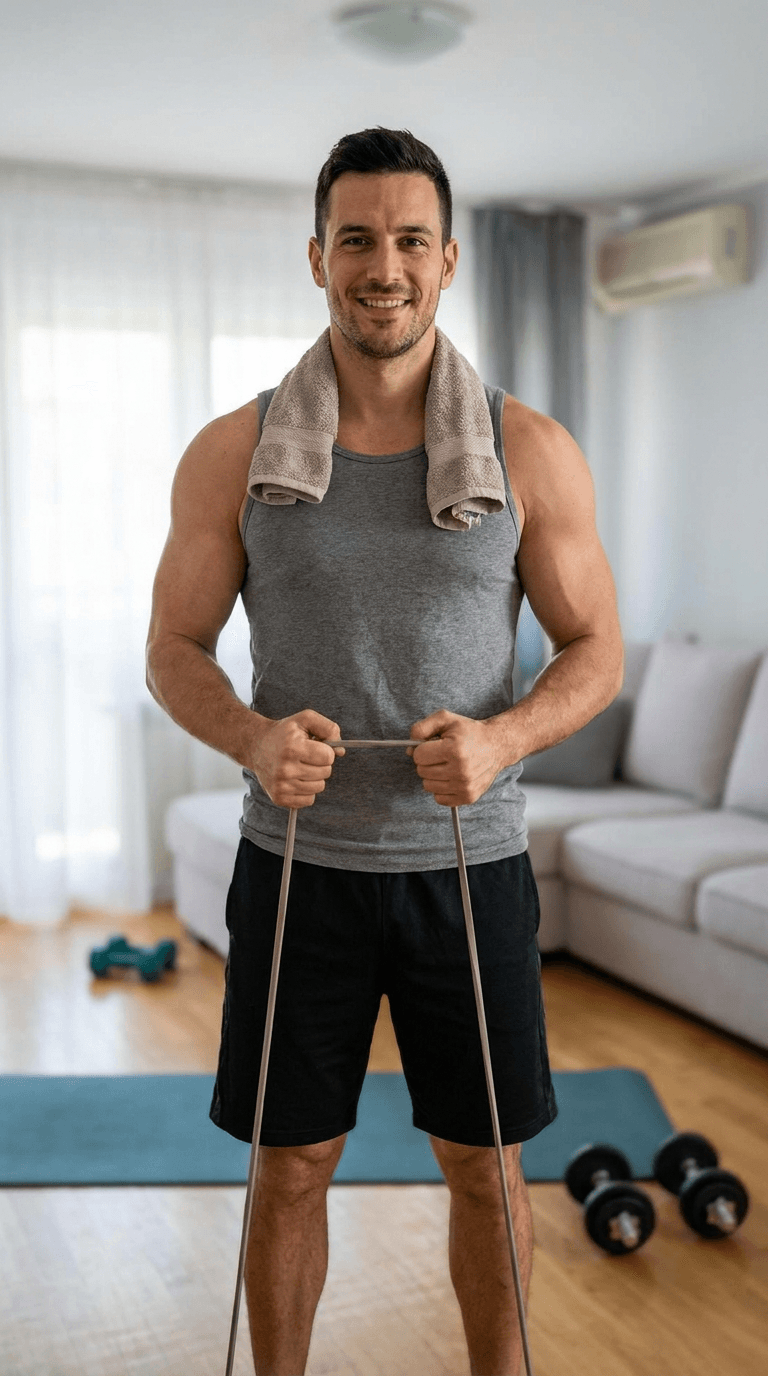
Personal Trainer
Film your living room and we'll add the personal trainer who "came for your session." Send it to your partner and wait.
100 Credits10s Video
Drop Them Into Your Video
Film your living room or workout space — hold steady and leave space where he'll appear.
Your Clip
5–12s works best · filmed vertically
Add a clip to continue
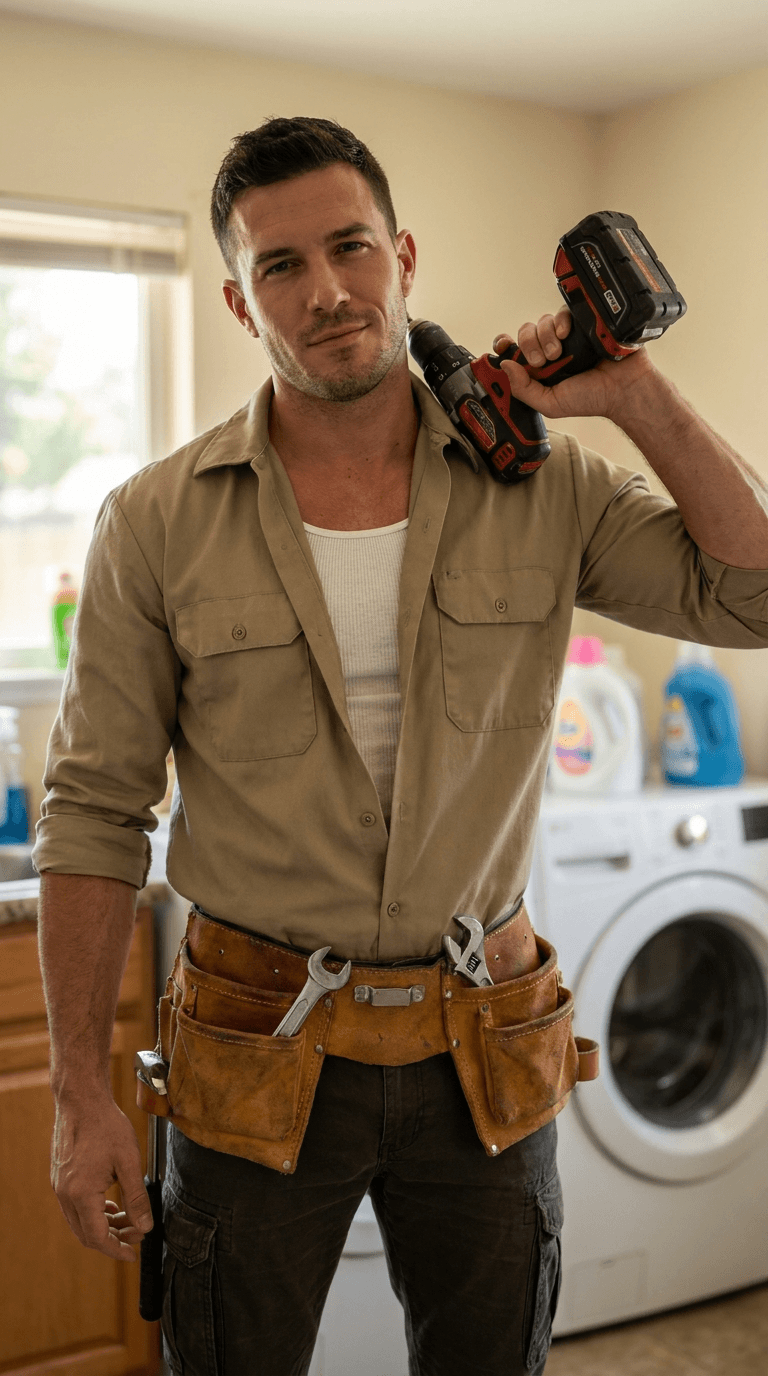
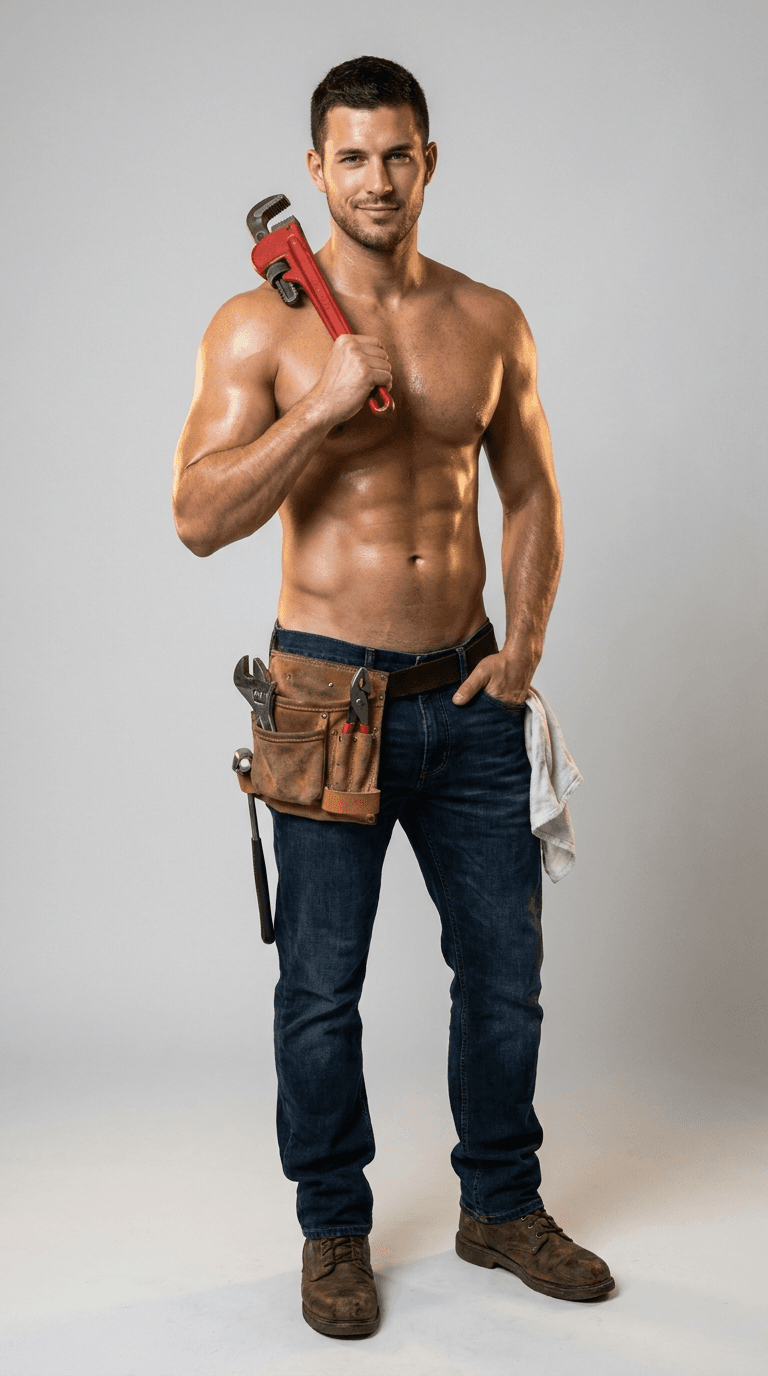
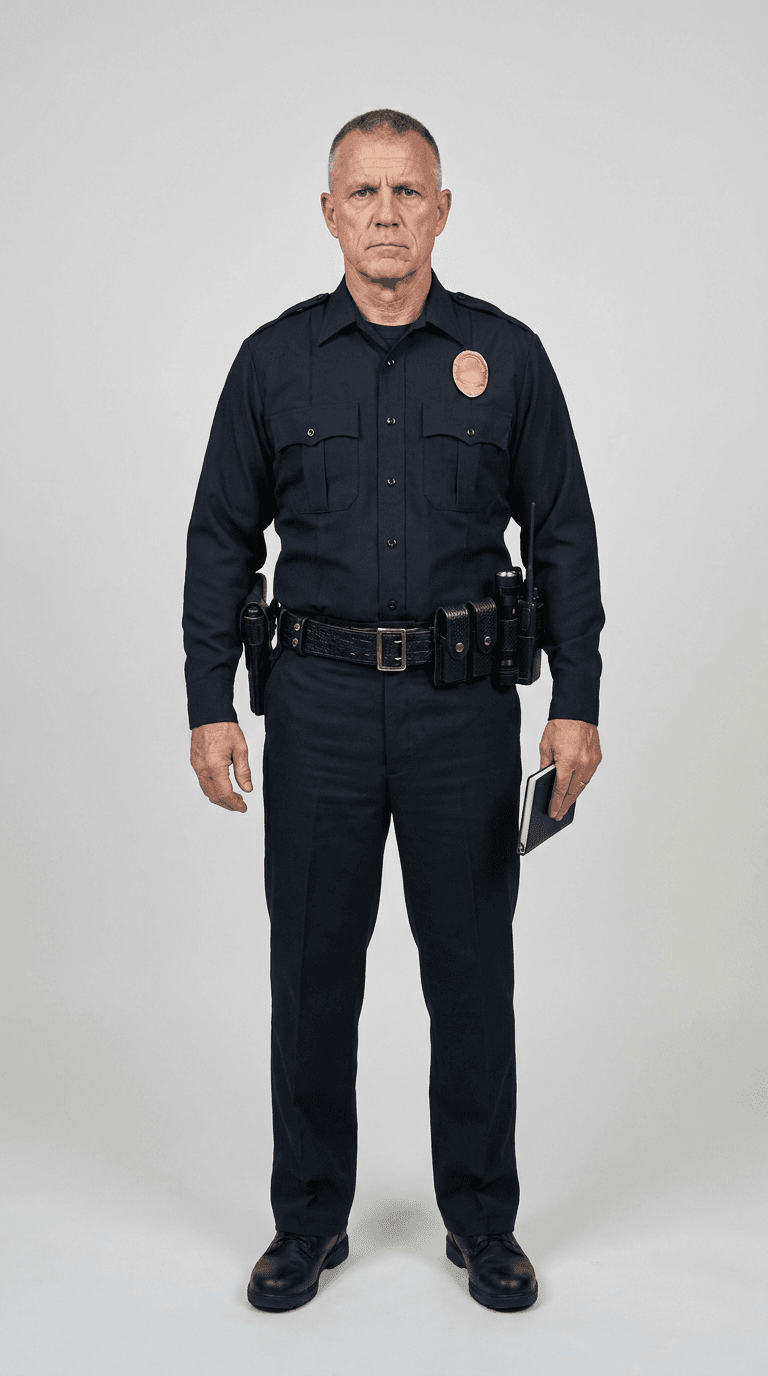
More Pranks (Video) scenes to star in



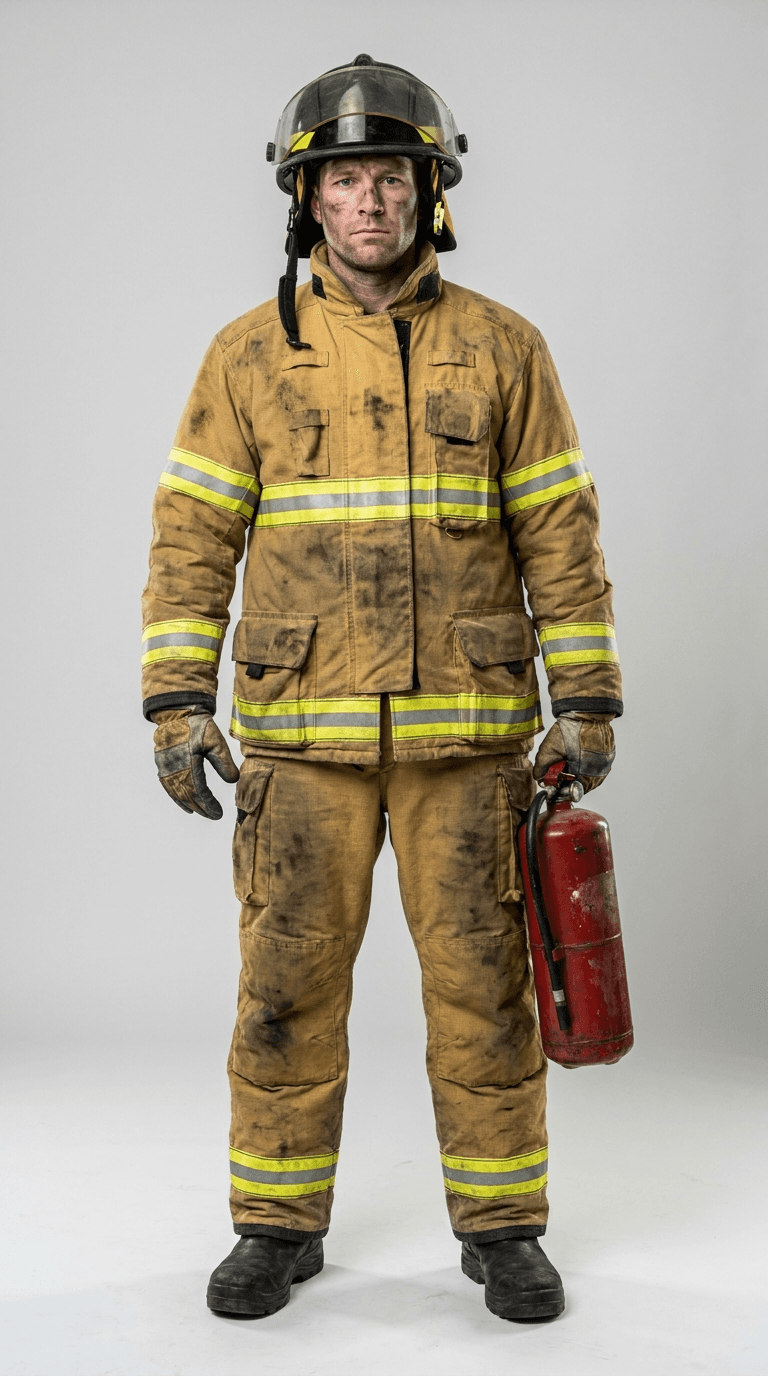

How to make your Personal Trainer video
- 1
Open the Personal Trainer template — Film your living room and we'll add the personal trainer who "came for your session." Send it to your partner and wait.
- 2
Film a short 5-12s clip of your own space and upload it.
- 3
Tap Create. Starrd writes the prompt and Seedance 2.0 generates your cinematic video in a few minutes — then download or share it.
Read the guide
How to Make the AI Personal Trainer Prank Video
Personal Trainer — frequently asked questions
- How do I make a Personal Trainer video?
- Open the Personal Trainer template on Starrd, film a short 5-12s clip on your phone and upload it, then tap Create. Starrd writes the prompt for you and Seedance 2.0 generates your cinematic video in a few minutes — no prompt-writing or editing required.
- What do I need to make Personal Trainer?
- A short 5-12s video clip you film yourself — shoot it vertically for best results.
- How much does the Personal Trainer template cost?
- 100 Starrd credits. Credit packs start at $4.99 on the web (one video's worth), never expire, and there's no subscription.
- How long is the Personal Trainer video?
- 10 seconds of cinematic, shareable output, generated in a few minutes.
- Can I customize my Personal Trainer video?
- Yes. Use Director's Notes on the template to set the mood, style, or specific details, including what the added character does or says, before you generate.