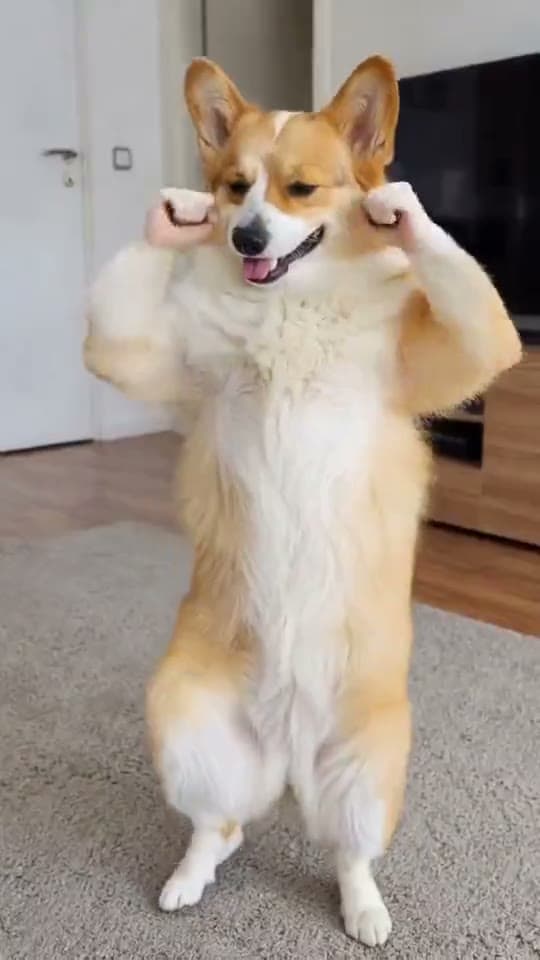
Dance
Big Guy
Drop any photo and watch them do the Big Guy dance.
100 Credits15s Video
Star In This Scene
Upload a photo to start starring
Your Photo
Add 1 photo to continue
More Dance scenes to star in
How to make your Big Guy video
- 1
Open the Big Guy template — Drop any photo and watch them do the Big Guy dance.
- 2
Upload one clear photo — the built-in cropper helps you frame it.
- 3
Tap Create. Starrd writes the prompt and Kling Motion Control generates your cinematic video in a few minutes — then download or share it.
Read the guide
How to Make an AI Dance Video From One Photo (2026 Guide)
Big Guy — frequently asked questions
- How do I make a Big Guy video?
- Open the Big Guy template on Starrd, upload one photo, then tap Create. Starrd writes the prompt for you and Kling Motion Control generates your cinematic video in a few minutes — no prompt-writing or editing required.
- How many photos do I need for Big Guy?
- Just one clear photo.
- How much does the Big Guy template cost?
- 100 Starrd credits. Credit packs start at $4.99 on the web (one video's worth), never expire, and there's no subscription.
- How long is the Big Guy video?
- 15 seconds of cinematic, shareable output, generated in a few minutes.
- Can I customize my Big Guy video?
- Yes. Use Director's Notes on the template to set the mood, style, or specific details before you generate.