Quick answer
To make an AI dance video, upload one clear full-body photo to an AI dance generator, pick a dance, and generate. Tools like Viggle map the moves onto your photo via motion transfer; Starrd instead regenerates a clean cinematic performer doing a real named dance (the Dougie, Juju On That Beat, and more) from one photo — of you, your pet, or anyone — so the face stays consistent.
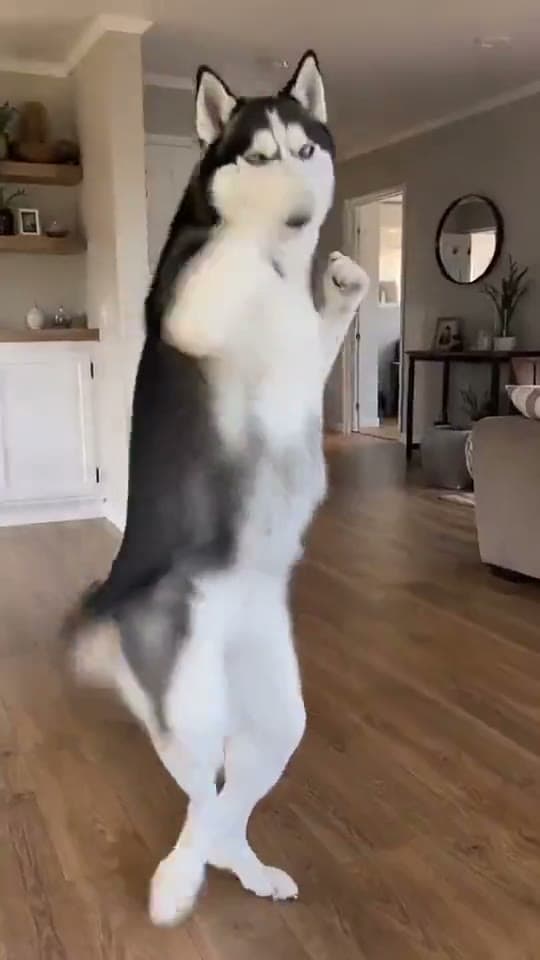
The same dance, any subject — tap one to make it with your photo.
What You're Trying to Make
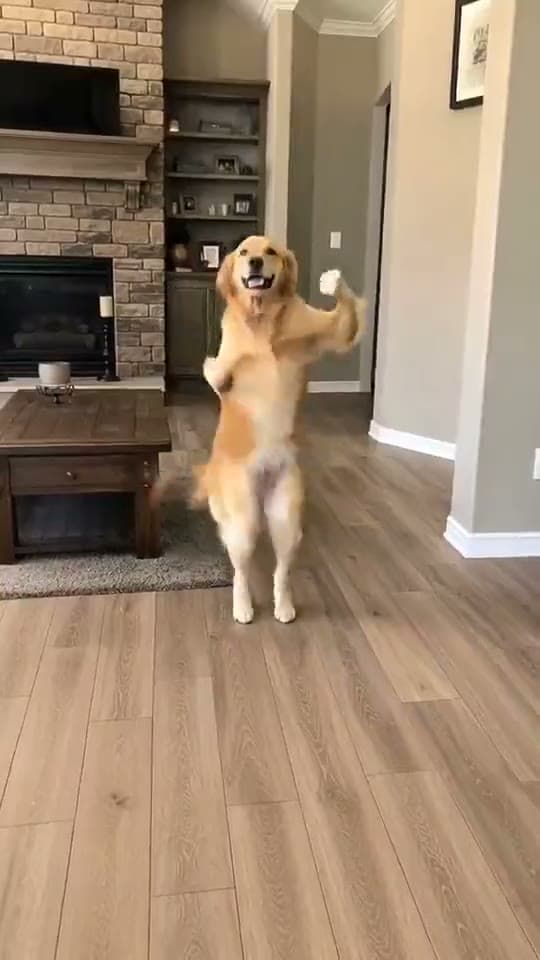
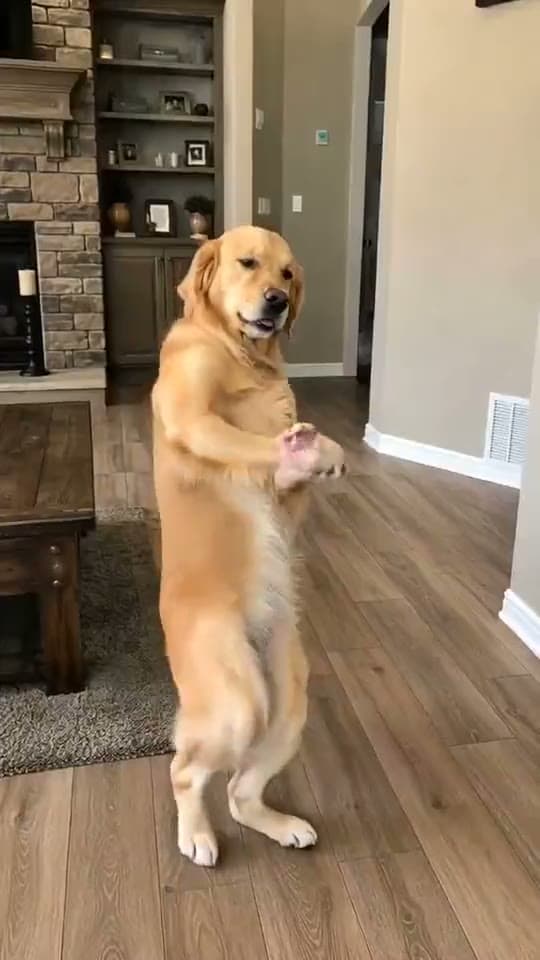
One photo in, a clip of that subject dancing out — hitting a real, recognizable routine like the Dougie, Juju On That Beat, or a Brazilian funk step, full-body, in time with the song. The magic of the format is that it works on anyone: you, your dog, your baby, your grandma, your friend who'd never actually do the dance. The contrast is the comedy, and the dance being a real named trend is what makes it land instead of looking like generic AI flailing.
This guide covers how to make one from a single photo: the photo to use, the generators worth trying, why so many AI dance clips come out warped, and the one-tap way to do it with a clean cinematic result.
The single biggest quality lever is the reference photo. A clear, front-facing, full-body shot in good light is the difference between a clean dancer and a melting puppet. Spend more time here than anywhere else.
Fastest way — the AI dance templates on Starrd do the whole thing from one photo: pick a real named dance, upload a photo of any subject, and it generates a clean full-body clip of them doing it — a couple of minutes, no prompt to write. Want the full method and the other tools? Read on. ↓
Where the AI Dance Trend Came From
The format exploded with motion-transfer tools — Viggle being the household name. The idea: take a reference dance video, extract its motion as a moving skeleton, and "puppet" your still photo onto that skeleton so your image appears to dance. Viggle alone offers thousands of dance clips — TikTok trends, K-pop routines, ballet, shuffle — and a free daily allowance, which is why it became the default.
Motion transfer is powerful, but it has a tell: because it's bending a 2D photo onto a 3D-ish skeleton, the face, hands, and clothing warp whenever the pose swings far from the original photo. You've seen it — the melty face mid-spin, the smeared hand, the outfit that morphs. For a quick meme that's fine. For a clip you actually want to post, it's the thing that screams "AI."
The Cleaner Approach — Regenerate, Don't Warp
There's a second way to do this that's been getting better fast: instead of puppeting your exact pixels, the AI regenerates a full-body performer that looks like your subject and animates that through the dance. Nothing gets stretched, because the dancer is generated fresh each frame with the subject's likeness held consistent.
That's how Starrd does it — Seedance and Kling render a clean performer doing the routine, so a spin or a drop doesn't smear the face. The trade-off vs. raw motion transfer is less pixel-for-pixel control, but a far more finished, share-ready clip. If your goal is a video that doesn't look broken, regeneration wins.
Any Subject — You, Your Pet, Your Baby, Your Friend
The reason this trend has so many lives is that it's subject-agnostic. The same dance is funny in completely different ways depending on who's doing it:
- You — the straightforward flex, or the joke that you'd never actually hit those moves.
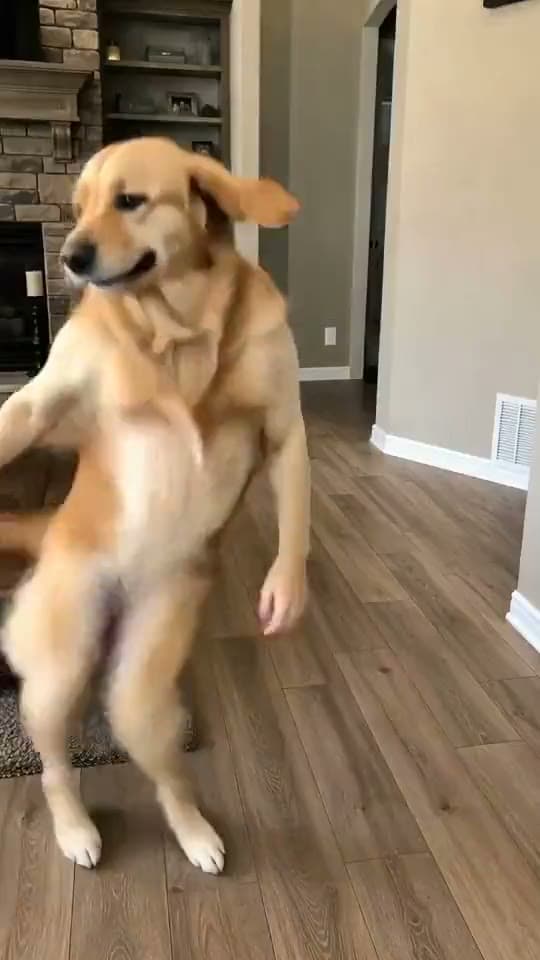
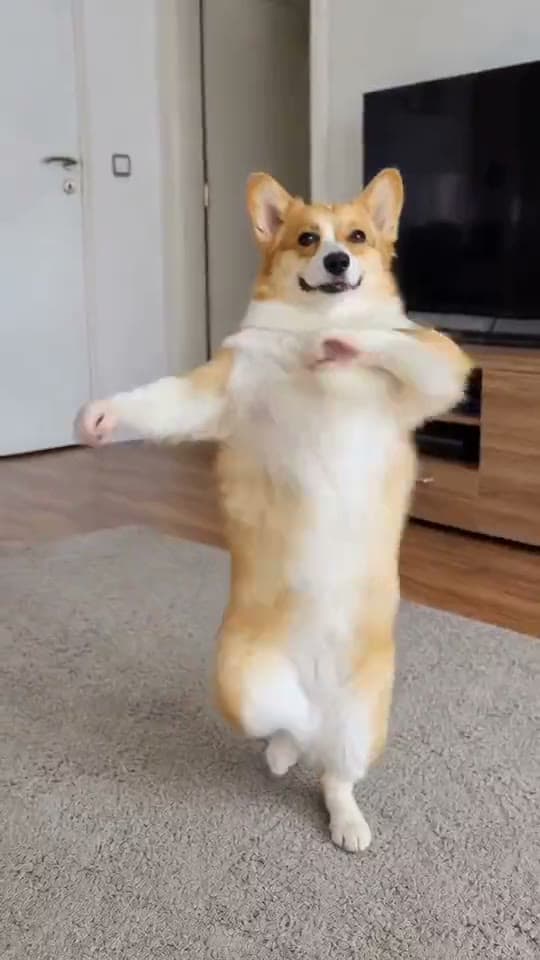
- Your dog or cat — the "dancing dog" clip is one of the most-shared pet formats on the internet. See Best AI Video Generator for Pets.
- Your baby — AI baby dance videos are a whole genre, with dedicated apps. The contrast of a tiny baby nailing a full routine is the entire joke. Full baby-dance guide →
- A friend or family member — drop them into a dance they'd be horrified to be caught doing.
On Starrd, every dance template takes one photo of whatever subject you want — the template doesn't care if it's a person or a Pomeranian.
AI Dance Templates
Pick a real named dance, upload one photo of any subject — you, your pet, your baby, a friend — and get a clean full-body clip of them doing it. No prompt writing.
The Popular Dances to Try
The dances that travel are the named ones people already recognize. Starrd ships these as one-tap templates — pick the subject, upload, generate:
- Juju On That Beat — the schoolyard classic everyone knows
- Dougie — teach-me-how-to-dougie, the evergreen
- In Da Club — birthday-energy bounce
- Tokyo Drift — the moody slow-roll trend
- No Hands · Shake Ya · On the Beat — hip-hop staples
- Salsa · No Batidao · Passo Bem Solto · Quiero Verte Venir — Latin & Brazilian funk
- Vibes · Look Alive · Big Guy · Chanel · Scuba · I Want You Back · Last Call for Love
Or, Build It Yourself — What You Need
Rolling your own? Three things:
- A clear photo of your subject. One person or pet, front-facing, as much body visible as possible.
- An AI tool that does dance. Either a motion-transfer tool (Viggle, Vidnoz, Mango AI) where you supply or pick a dance clip, or an image-to-video model (Seedance 2.0, Kling) where you prompt the dance.
- A platform to post on. TikTok and Reels are where dance clips travel, in 9:16 vertical.
Step 1 — Pick the Photo
The photo is the performer, so it has to survive a lot of motion.
Use:
- A clear, well-lit photo of one subject
- Front-facing or near-front-facing
- As much of the body in frame as possible (full-body is ideal for motion transfer)
- Natural lighting, no heavy filters
Avoid:
- Group photos (the AI doesn't know who to animate)
- Blur, motion streaks, or extreme angles
- Heavy filters or already-AI-generated images
- Tight head-only crops if you're using motion transfer (it has no body to move)
Step 2 — Pick the Dance
Choose a named, recognizable routine over generic "make them dance." Recognition is what makes the clip read as a trend instead of random movement. The Dougie, Juju On That Beat, the Griddy, a Brazilian funk step — the more iconic the silhouette, the better it lands and the more searchable it is.
Step 3 — Generate (Two Paths)
Path A — Motion transfer (Viggle and friends). Pick or upload a dance clip, drop your photo, generate. You get strong control over the exact choreography, but watch for face/hand warping on big poses. Best for: matching a specific viral clip's moves frame-for-frame.
Path B — Image-to-video regeneration (Seedance / Kling, or Starrd's templates). Describe the dance (or pick a template) and let the model generate a clean performer. Best for: a finished, non-warped clip you'll actually post. If you're prompting it yourself, name the dance, lock the subject's identity ("same person/face throughout, no morphing"), and add the song's energy and a UGC vertical look. (See the Seedance 2.0 Prompt Guide.)
No preference and you just want the clip? Use a dance template — it's Path B with the prompt already written.
Step 4 — Post It
Use the real song. A dance trend without its track is half a clip. Keep the audio (the templates include a song slice).
Keep it vertical. 9:16 is where the format lives. The templates already output vertical.
Caption the contrast, not the tech. "my dog has better rhythm than me 💀" beats "I made this with AI" — within each platform's AI-disclosure rules.
Don't over-edit. The clean single-subject version travels furthest. Save the heavy edits.
Common Mistakes That Tank Your Video
- A bad reference photo. The #1 cause of warping and weird faces. Front-facing, full-body, good light.
- A generic dance. "Make them dance" reads as AI flailing. Pick a named routine.
- Motion transfer on a head-crop. No body to move = melt. Give it a full-body photo or use a regeneration tool.
- Muting the song. The track is the trend.
- Posting horizontal. It's a vertical format. Keep it 9:16.
Related Reading
- Make Your Pet Dance: The AI Dancing-Dog Guide — the most viral subject for this trend, start to finish
- AI Baby Dance Videos: How to Make One — the dedicated baby-dance format
- Viral AI Video Trends (2026): The Monthly Roundup — every trend worth making this month
- Seedance 2.0 Prompt Guide — the framework for prompting motion that doesn't look like AI
- Starrd vs Viggle — motion transfer vs. cinematic regeneration, compared