Quick answer
To make an AI baby dance video, upload one clear front-facing baby photo to an AI dance generator and pick a dance. Motion-transfer tools warp the photo onto a skeleton; Starrd instead regenerates a clean clip of the baby doing a real named dance from one photo, keeping the face recognizable. Only use photos of your own child.
The same dance, any subject — tap one to make it with your photo.
What You're Trying to Make
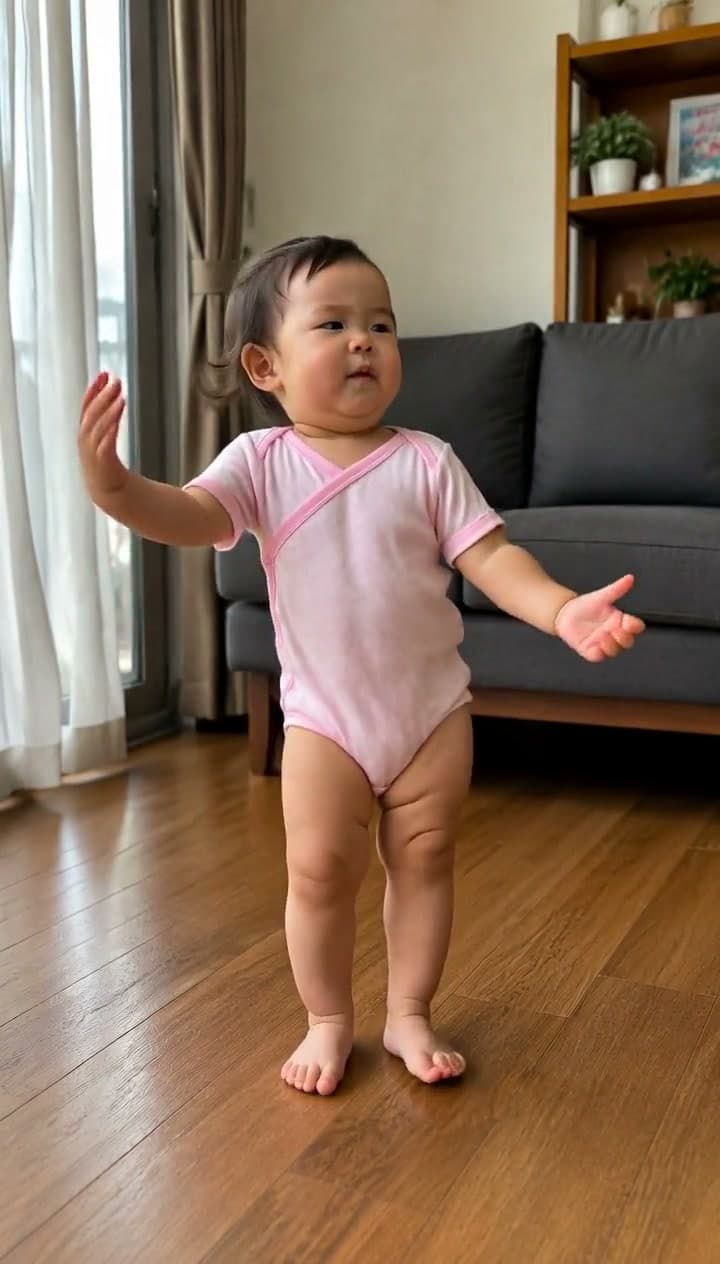
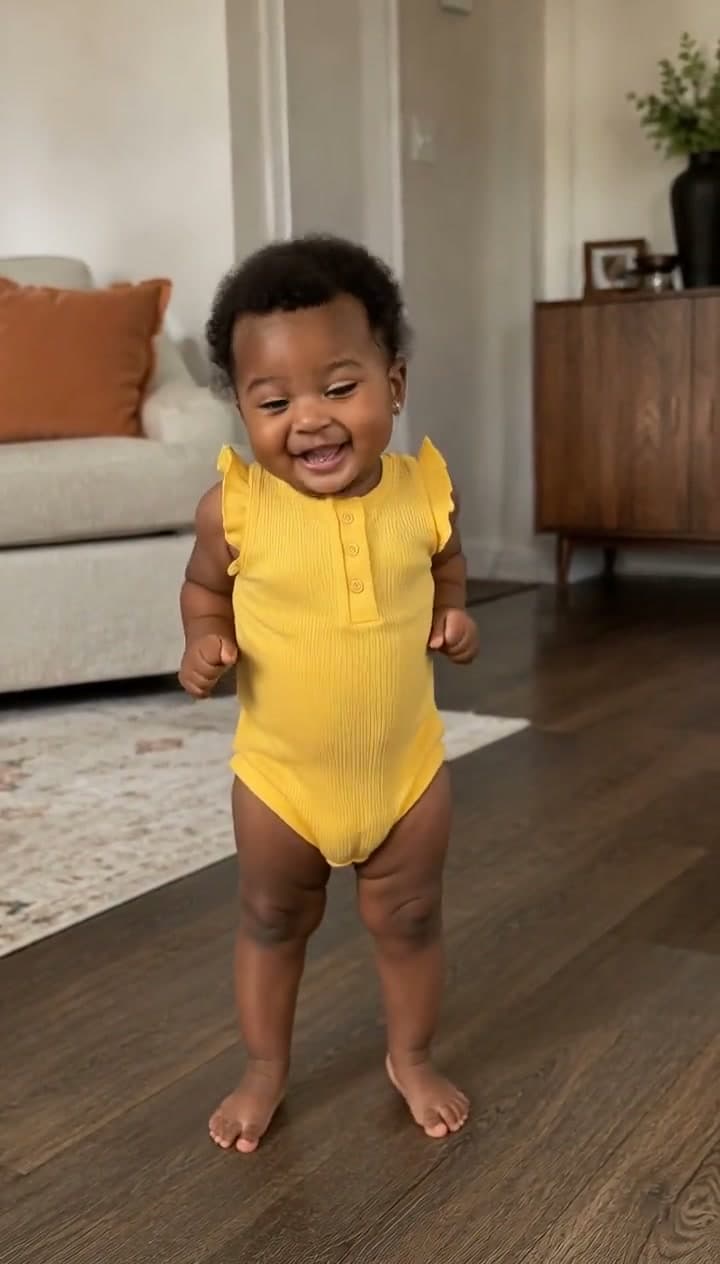
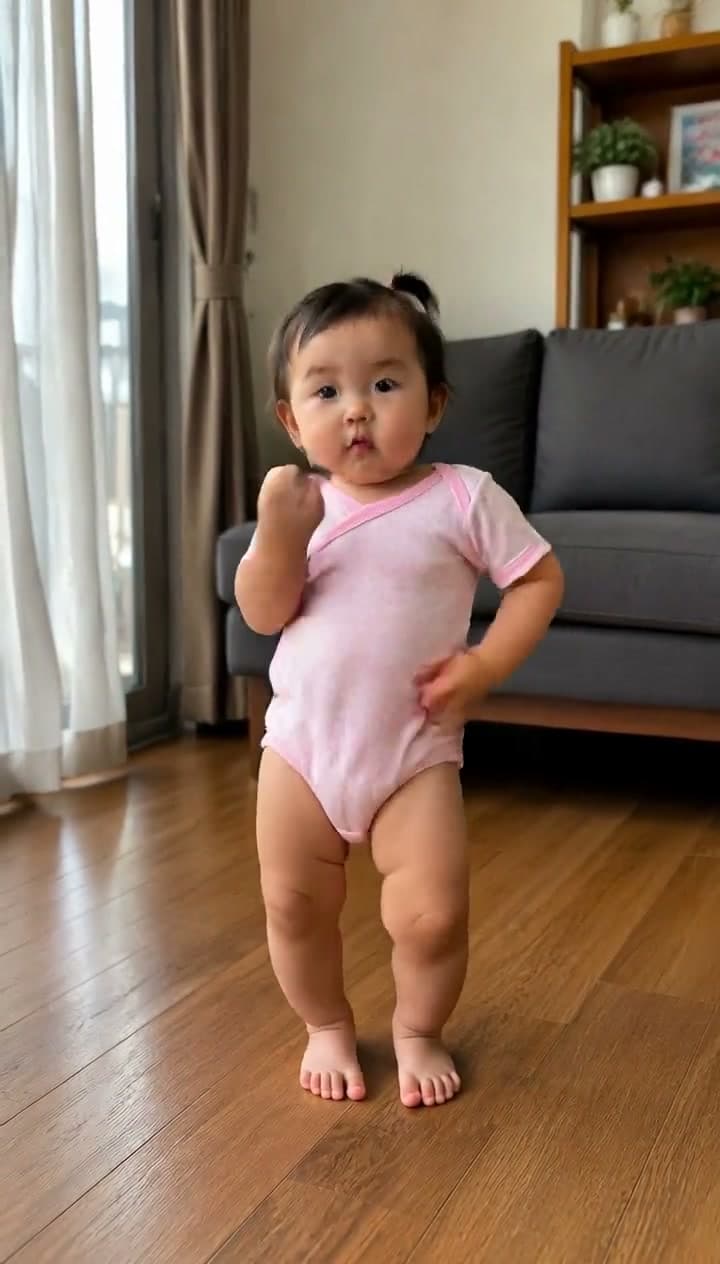
A baby, hitting a full dance — a real routine, in time with the song, with that deadpan baby seriousness. The AI baby dance clip is its own viral genre (there are apps built only for it), and the joke is pure contrast: a tiny human who can barely walk, suddenly bodying choreography.
This guide covers how to make one from a single photo: the photo to use, why so many come out warped, the tools worth trying, and the one-tap way to get a clean clip — plus the safety basics, because this one involves a kid.
Only upload photos of your own child. Keep it family-friendly, label it as AI per each platform's rules, and think about whether you want your child's face on a public post versus shared privately. This format is for personal fun — treat it that way.
Fastest way — Starrd's dance templates are subject-agnostic: pick a real named dance, upload one photo, and it generates a clean full-body clip of that subject doing it — a couple of minutes, no prompt to write. Prefer to roll your own? The method's below. ↓
The sound the baby wave runs on right now is "Don't Play With Me" by Thompsxn Therapy — praise hands, a point at the camera, head bobs on the beat. Starrd has it as a one-tap template: Don't Play With Me, or read the full guide. Right behind it is the dance remix of "your next opponent is you" — finger guns from a baby — as Your Next Opponent Is You Dance (guide).
Why "Baby Dance" Is Its Own Genre
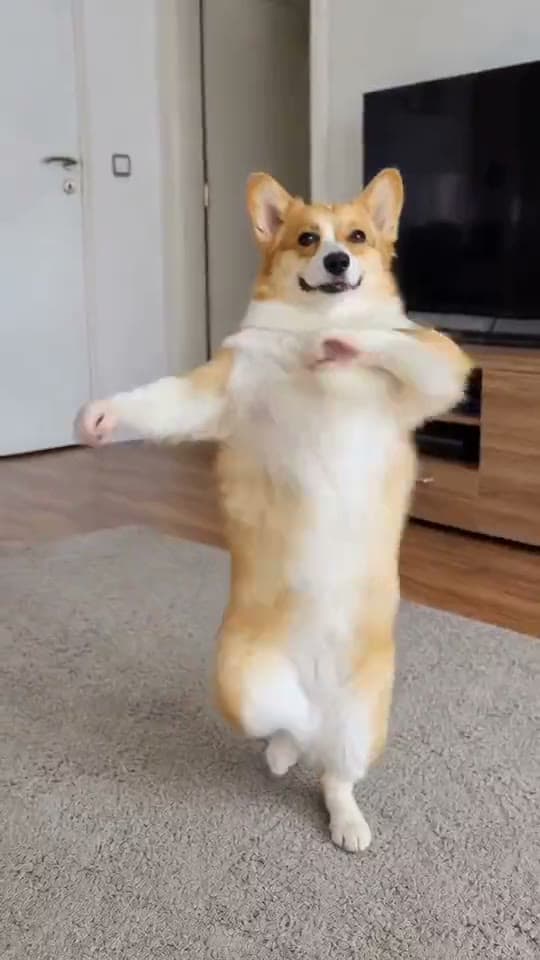
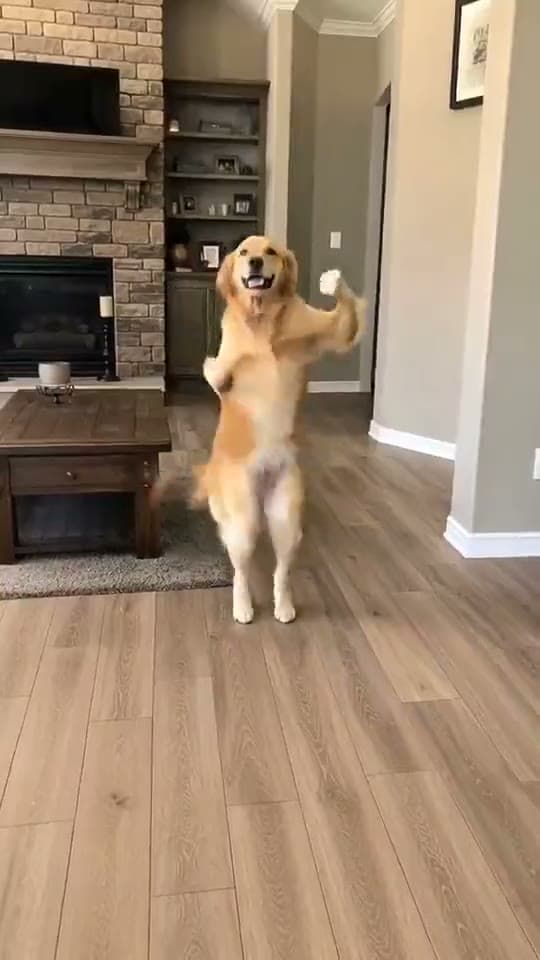
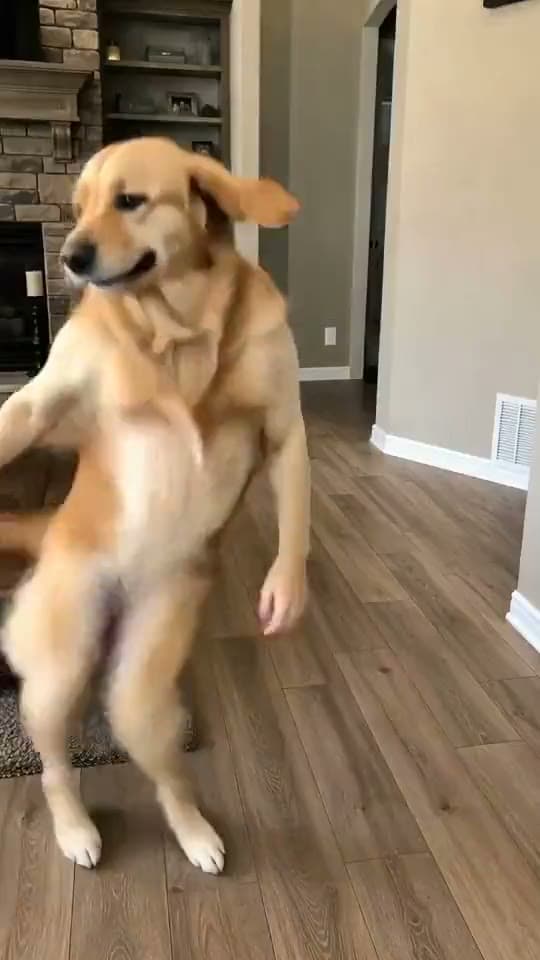
The AI dance trend works on any subject — you, your pet, a friend — but baby dance broke out big enough to spawn dedicated tools. The reason is the same contrast that powers every version: maximum mismatch between subject and skill. A baby nailing a full routine is funnier than an adult doing it, the same way a dancing dog is. It's wholesome, it's shareable, and grandparents love it.
The Catch With Most Baby-Dance Tools
Most run on motion transfer: the baby's photo gets puppeted onto a dance skeleton. It works, but baby faces are soft and round, so they smear the instant the pose swings — the melty-face look that reads as broken AI.
The cleaner path is regeneration: the model generates a fresh performer that looks like the baby and animates that, so nothing stretches. That's how Starrd handles it, which keeps the face intact through the moves.
Step 1 — Pick the Photo
Use:
- A clear, well-lit photo of one baby
- Front-facing, full face visible
- Some of the body in frame if possible
- Natural light, no filters
Avoid:
- Multiple kids in frame
- Blur, motion streaks, turned-away faces
- Heavy filters or AI-generated images
Step 2 — Pick a Named Dance
A named routine reads as a trend and is more searchable than generic "make baby dance." Pick something with an iconic silhouette — but lean toward the calmer, bouncier dances; extreme acrobatic routines stress the face more and look less natural on a baby anyway.
Step 3 — Generate
One-tap way: open a dance template, upload the photo, tap generate. It builds the clip and keeps the face consistent.
Rolling your own (Seedance / Kling): prompt the dance by name, lock identity ("same baby and face throughout, no morphing"), keep it a UGC vertical phone look, and add the song's energy. Budget a few generations. (See the Seedance 2.0 Prompt Guide.)
AI Dance Templates
Upload one photo, pick a real named dance, and get a clean full-body clip of the subject doing it — face kept consistent, song included. No prompt writing.
Step 4 — Share It
- Keep the song — it's the trend.
- Stay vertical — 9:16, which the templates output.
- Label it AI and keep it wholesome.
- Consider the audience — private or close-friends sharing is a fine call for a clip of your kid.
Related Reading
- How to Make an AI Dance Video From One Photo — the full dance-trend guide for any subject
- Make Your Pet Dance: The AI Dancing-Dog Guide — the other top subject
- Viral AI Video Trends (2026): The Monthly Roundup — every trend worth making this month