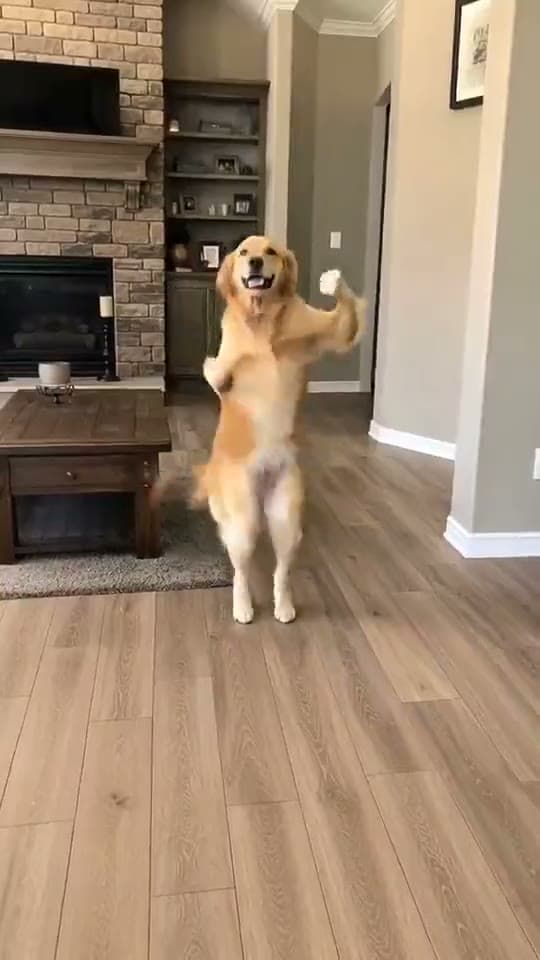
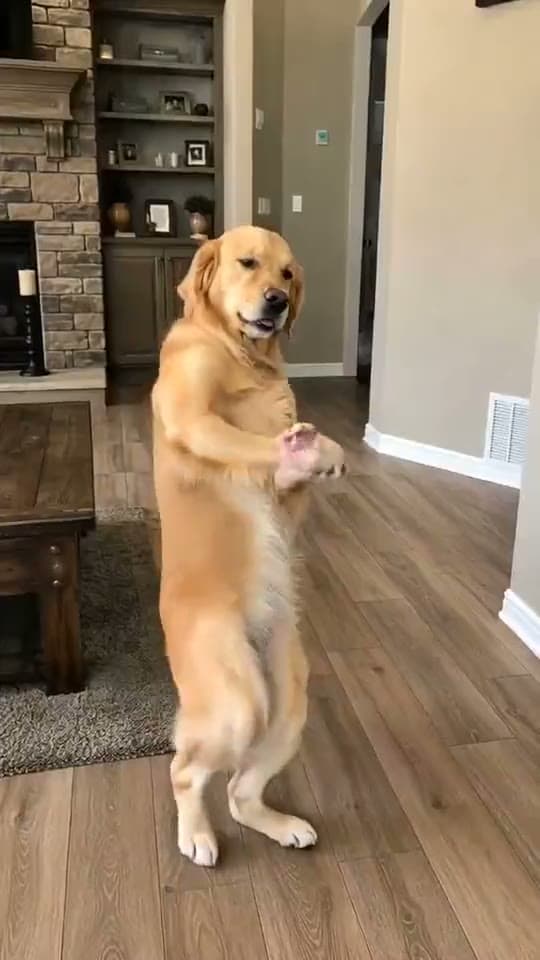
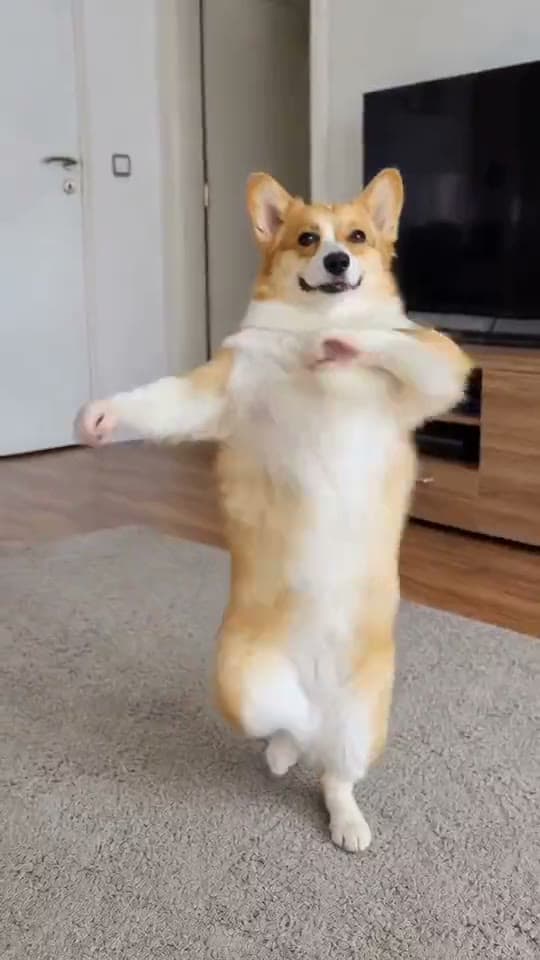
Quick answer
To make your pet dance with AI, upload one clear front-facing photo of your dog or cat to an AI dance generator and pick a dance. Motion-transfer tools warp the photo onto a skeleton (which distorts the face); Starrd instead regenerates a clean clip of your pet doing a real named dance from one photo, keeping their face recognizable.
The same dance, any subject — tap one to make it with your photo.
What You're Trying to Make
Your dog or cat, hitting a real dance — the Dougie, Juju On That Beat, a salsa — full-body, in time with the song, dead serious the whole way through. The "dancing dog" clip is one of the most-shared AI pet formats on the internet, and the joke is always the same: a calm animal absolutely bodying a routine it has no business knowing.
This guide covers how to make one from a single photo of your pet: the photo to use, why so many come out warped, the tools worth trying, and the one-tap way to get a clean clip.
The whole clip lives or dies on the reference photo. One clear, front-facing shot with your pet's face sharp is the difference between a clean dancer and a melting blob. This matters even more for pets than people — animal faces distort fast.
Fastest way — Starrd's dance templates are subject-agnostic: pick a real named dance, upload one photo of your dog or cat, and it generates a clean full-body clip of your pet doing it — a couple of minutes, no prompt to write. Prefer to roll your own? The full method's below. ↓
Why Pets Are the Best Subject for This Trend
The AI dance trend is subject-agnostic — it works on you, a baby, a friend — but pets are the sweet spot. People already share pet content more than almost anything, and the contrast of a serious-faced animal nailing choreography is instantly funny in a way a person dancing isn't. It's the same reason the pet barbershop "fresh fade" and "Imma Bite You" clips travel: calm animal, absurd human activity, zero reaction.
The Catch With Most Dancing-Pet Tools
The popular path is motion transfer (Viggle, and dedicated pet apps like PetGroove): your pet's photo gets puppeted onto a dance skeleton. It works, but animal faces are unforgiving — snouts, fur, and ears smear the moment the pose swings, and you get the melty-face clip everyone recognizes as broken AI.
The cleaner path is regeneration: instead of bending your pet's pixels, the model generates a fresh full-body performer that looks like your pet and animates that. Nothing stretches, because each frame is generated with your pet's likeness held steady. That's how Starrd does it — which is why the face survives the spins.
Step 1 — Pick Your Pet Photo
Use:
- A clear, well-lit photo of one pet
- Front-facing, full face visible (eyes, nose, mouth sharp)
- Some of the body in frame if you can
- Natural light, no filters
Avoid:
- Multiple animals (the AI won't know which to animate)
- Blur, motion streaks, profiles, extreme angles
- Heavy filters or AI-generated reference images
Cats need extra care — smaller, more uniform faces drift faster, so be picky about sharpness.
Step 2 — Pick a Named Dance
Recognition is what makes the clip land. A named routine your pet "knows" — the Dougie, Juju On That Beat, a Brazilian funk step — reads as a trend and is far more searchable than generic "make my dog dance."
Step 3 — Generate
The one-tap way: open a dance template, upload your pet photo, tap generate. It builds the full clip — your pet, the routine, the song — and keeps the face consistent.
Rolling your own with a model (Seedance / Kling): prompt the dance by name, lock identity ("same animal and face throughout, no morphing or distortion"), keep the camera at a UGC vertical phone angle, and add the song's energy. Budget 3–5 generations before a keeper. (See the Seedance 2.0 Prompt Guide.)
AI Dance Templates
Upload one photo of your dog or cat, pick a real named dance, and get a clean full-body clip of your pet doing it — face kept consistent, song included. No prompt writing.
Step 4 — Post It
- Keep the song. The track is the trend — don't mute it.
- Stay vertical. 9:16 is the format; the templates output it.
- Caption the contrast. "he's got more rhythm than me 😤" beats "made with AI" (within disclosure rules).
- Don't over-edit. The clean single-pet clip travels furthest.
Common Mistakes
- A soft or filtered pet photo — the top cause of facial warping.
- A head-only crop into a motion-transfer tool — no body to animate, instant melt.
- A generic "dance" — pick a named routine.
- Two pets in the photo — choose one clear subject.
- Muting the song — the track is half the clip.
Related Reading
- How to Make an AI Dance Video From One Photo — the full dance-trend guide for any subject
- AI Baby Dance Videos: How to Make One — the other top subject for this trend
- Best AI Video Generator for Pets — every pet trend worth making
- The AI Pet Barbershop "Fresh Fade" Video — another viral calm-pet format