
Comedy & Viral
Breaking News Broadcast
You ARE the breaking news. Watch as you become the subject of a dramatic cable news-style broadcast with scrolling tickers, BREAKING NEWS chyrons, and split screens.
100 Credits12s Video
Star In This Scene
Upload a photo to start starring
Your Photo
Add 1 photo to continue
More Comedy & Viral scenes to star in
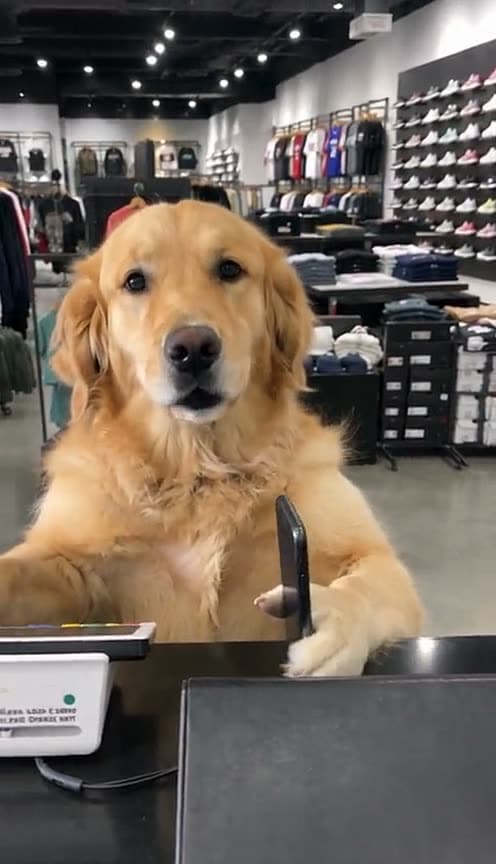


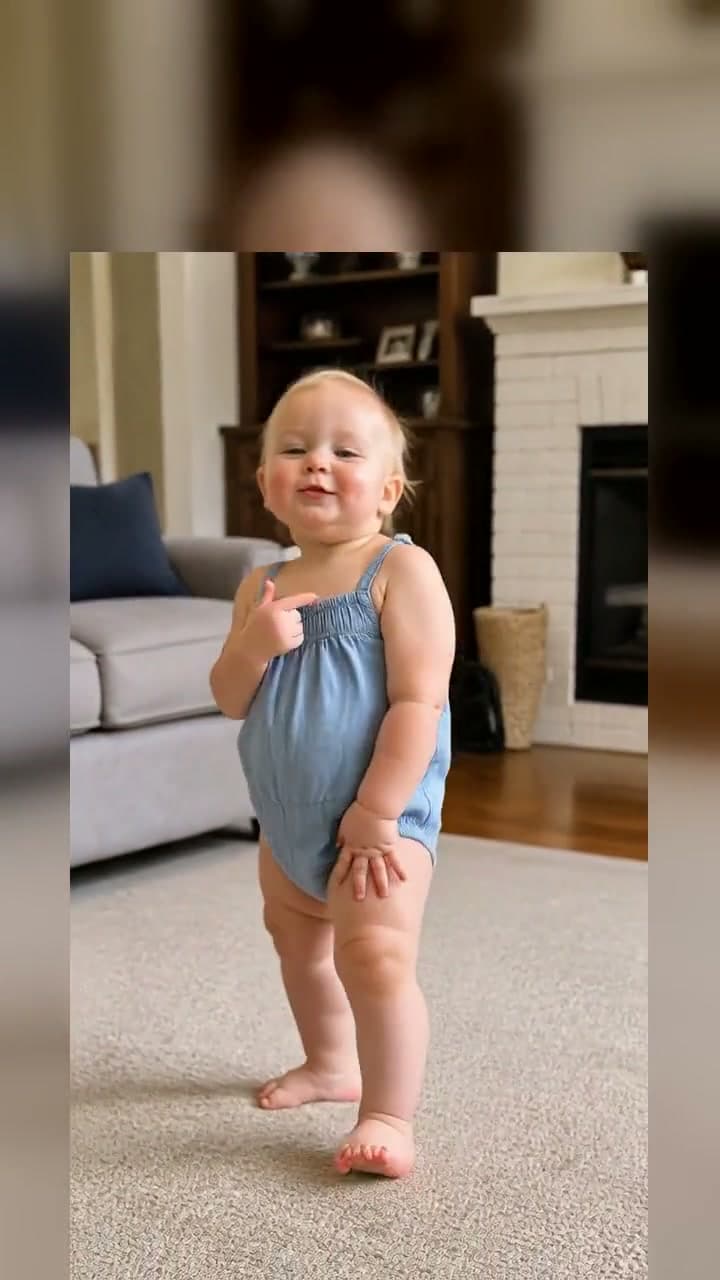

How to make your Breaking News Broadcast video
- 1
Open the Breaking News Broadcast template — You ARE the breaking news. Watch as you become the subject of a dramatic cable news-style broadcast with scrolling tickers, BREAKING NEWS chyrons, and split screens.
- 2
Upload one clear photo — the built-in cropper helps you frame it.
- 3
Tap Create. Starrd writes the prompt and Seedance 2.0 generates your cinematic video in a few minutes — then download or share it.
Breaking News Broadcast — frequently asked questions
- How do I make a Breaking News Broadcast video?
- Open the Breaking News Broadcast template on Starrd, upload one photo, then tap Create. Starrd writes the prompt for you and Seedance 2.0 generates your cinematic video in a few minutes — no prompt-writing or editing required.
- How many photos do I need for Breaking News Broadcast?
- Just one clear photo.
- How much does the Breaking News Broadcast template cost?
- 100 Starrd credits. Credit packs start at $4.99 on the web (one video's worth), never expire, and there's no subscription.
- How long is the Breaking News Broadcast video?
- 12 seconds of cinematic, shareable output, generated in a few minutes.
- Can I customize my Breaking News Broadcast video?
- Yes. Use Director's Notes on the template to set the mood, style, or specific details before you generate.