Sports
Courtside
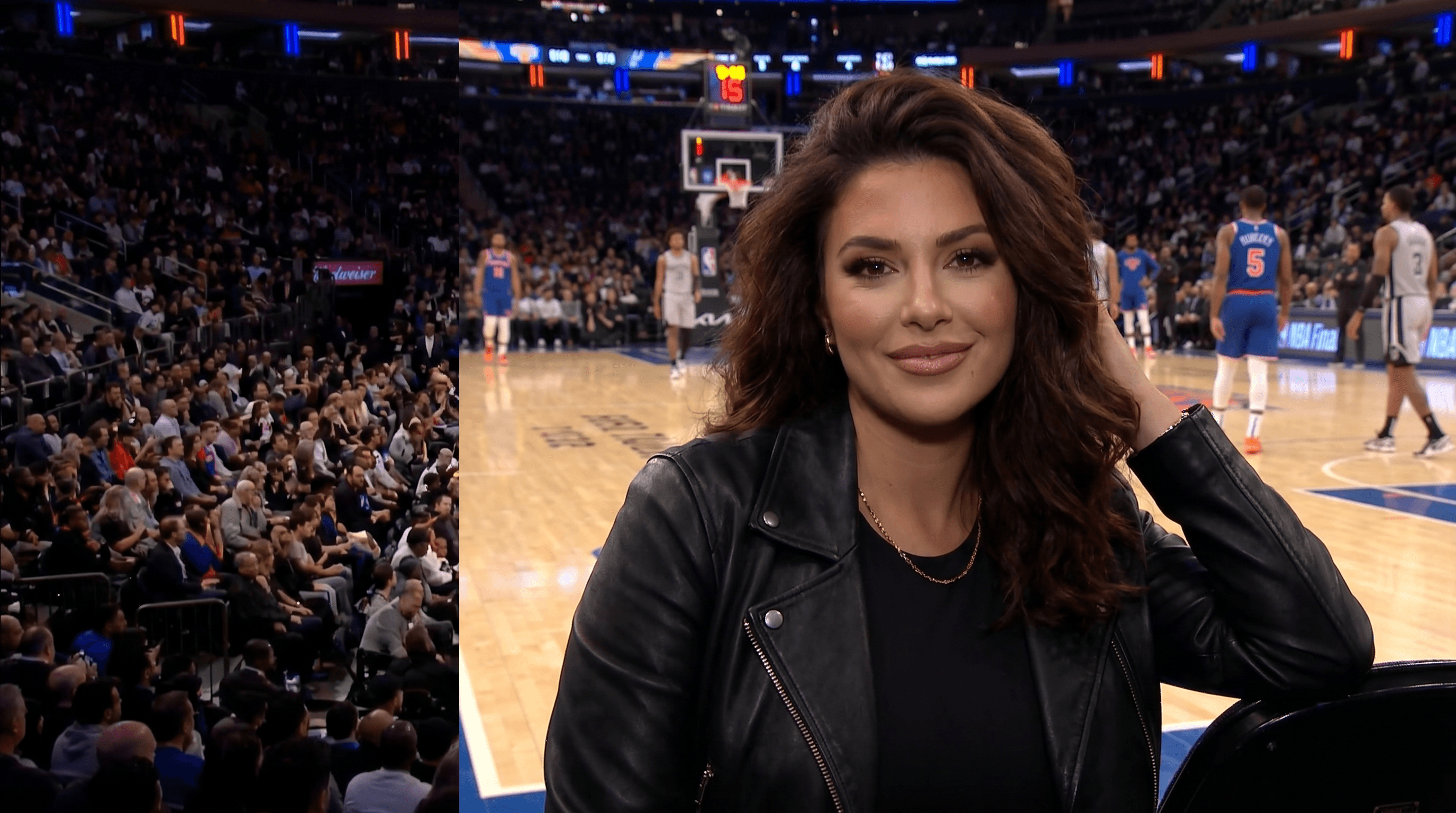
the celeb-cam cuts to you, front row at the garden. you knew. small smile, hand to hair, eye contact held. the booth loses it.
100 Credits12s Video
Star In This Scene
Upload a photo to start starring
Your Photo
Add 1 photo to continue
More Sports scenes to star in


How to make your Courtside video
- 1
Open the Courtside template — the celeb-cam cuts to you, front row at the garden. you knew. small smile, hand to hair, eye contact held. the booth loses it.
- 2
Upload one clear photo — the built-in cropper helps you frame it.
- 3
Tap Create. Starrd writes the prompt and Seedance 2.0 generates your cinematic video in a few minutes — then download or share it.
Read the guide
How to Make a Courtside NBA AI Video (The 'Who Is That Courtside?' Trend)
Courtside — frequently asked questions
- How do I make a Courtside video?
- Open the Courtside template on Starrd, upload one photo, then tap Create. Starrd writes the prompt for you and Seedance 2.0 generates your cinematic video in a few minutes — no prompt-writing or editing required.
- How many photos do I need for Courtside?
- Just one clear photo.
- How much does the Courtside template cost?
- 100 Starrd credits. Credit packs start at $4.99 on the web (one video's worth), never expire, and there's no subscription.
- How long is the Courtside video?
- 12 seconds of cinematic, shareable output, generated in a few minutes.
- Can I customize my Courtside video?
- Yes. Use Director's Notes on the template to set the mood, style, or specific details before you generate.