Full Loading Screen
Not just the portrait — the progress bar and the tip text too.
- Image prompt
- 16:9 landscape
- No photo needed
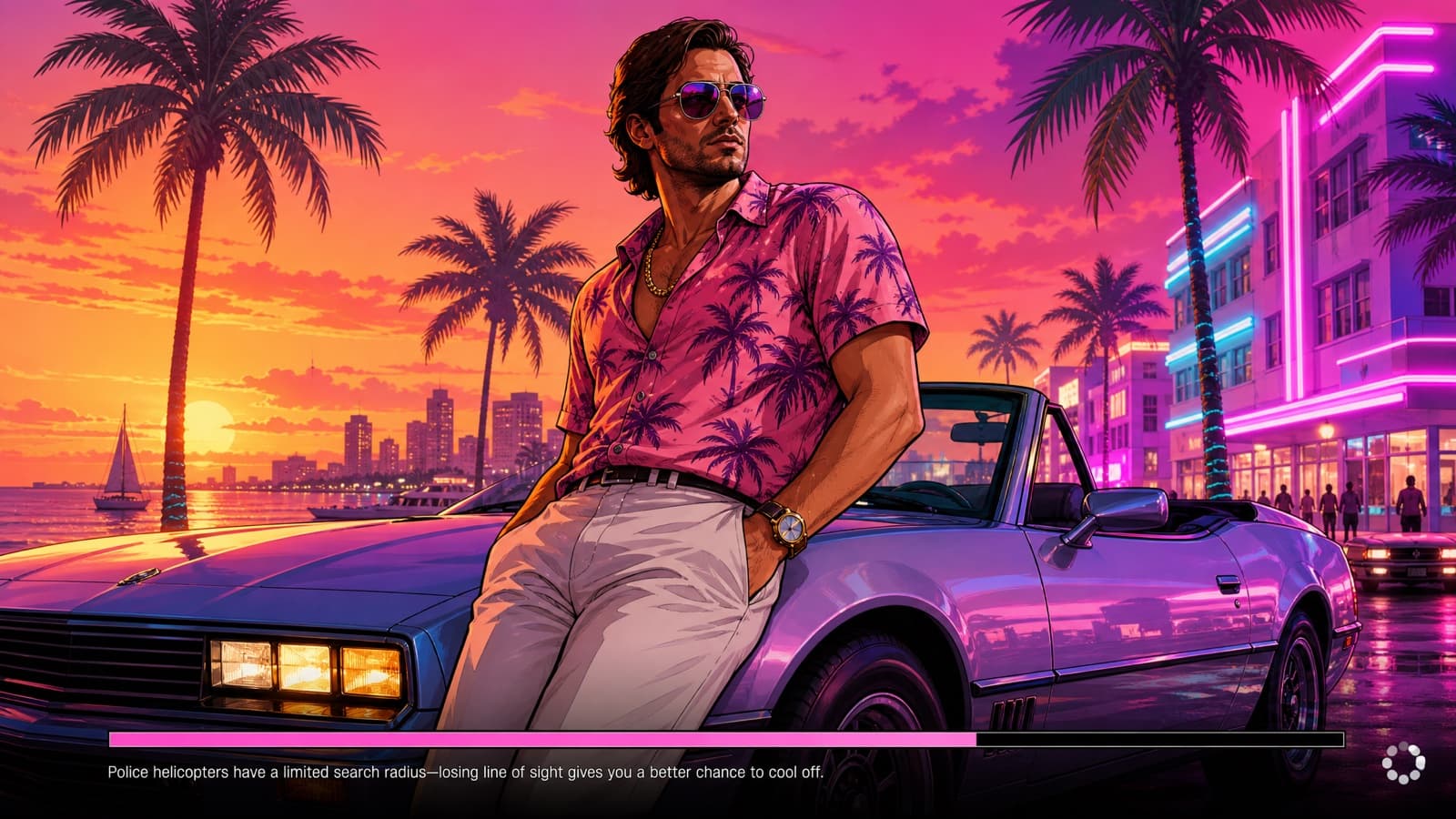
The prompt
A complete Grand Theft Auto VI style game loading screen. An illustrated GTA cover-art character leans against a convertible at a neon Vice City sunset, filling the frame edge to edge — bold outlines, cel-shaded, saturated color. Along the bottom edge: a thin horizontal progress bar about seventy percent filled, a short invented gameplay tip line in small plain sans-serif beside it, and a small spinning-icon placeholder in the bottom-right corner. No game title, no logo, no wordmark anywhere in the frame — the only text is the tip line. 16:9. No real logos, no brand marks, no watermark.
Gotcha: Say "no game title anywhere" explicitly. Left to itself the model paints a big invented title block over your art, and it tends to reach for a real one.
Which model to run it on
- GPT Image 2
- The only one to trust with text baked into the image — posters, menus, mission cards.
Don’t want to prompt it yourself?
Starrd’s GTA 6 Trailer template turns one selfie into a cinematic Vice City trailer starring you — the crew, the heist, the getaway. No prompt-writing, no model-picking, and your face stays consistent across every cut.
Make your GTA 6 trailer →More screens prompts
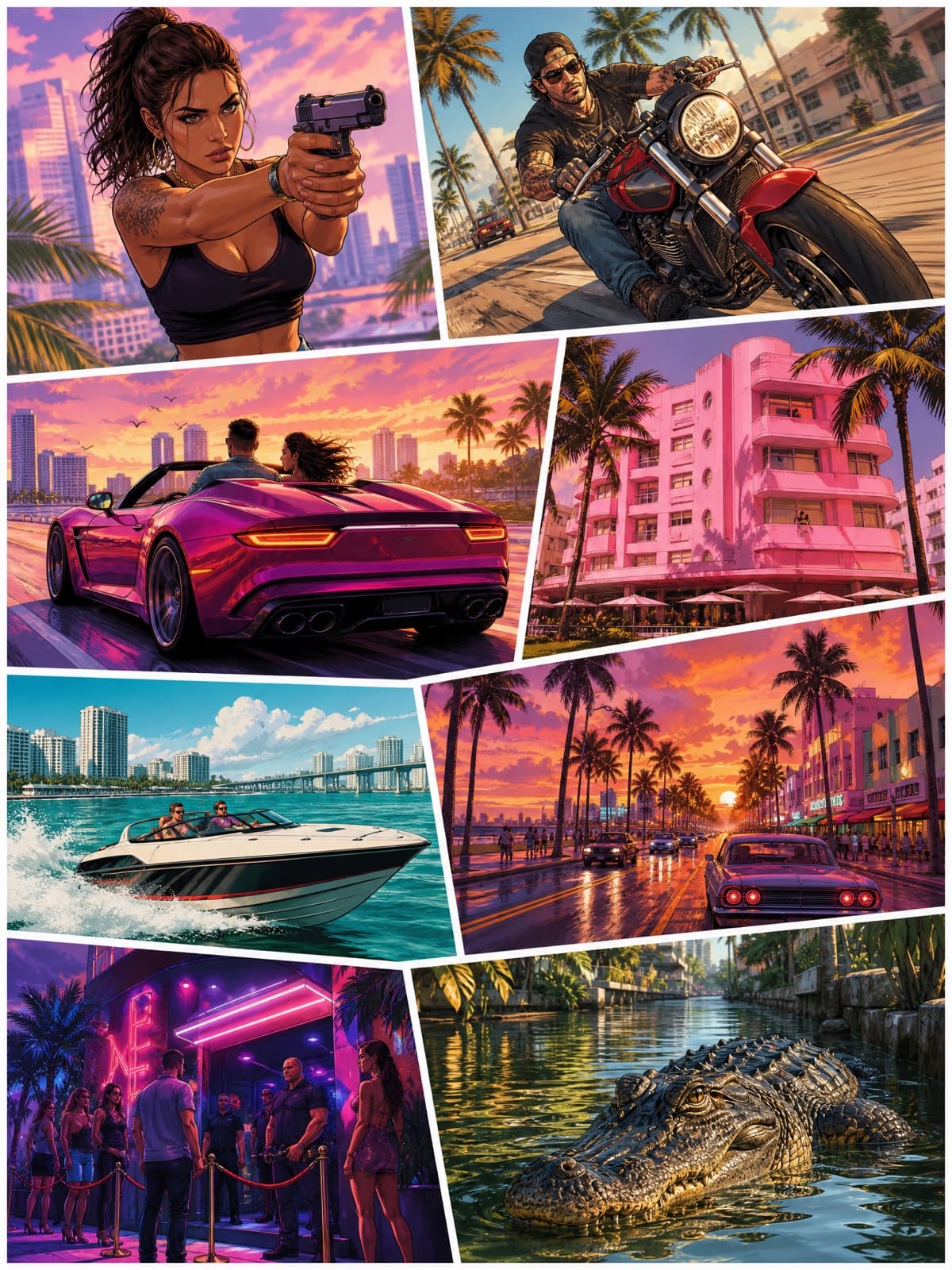
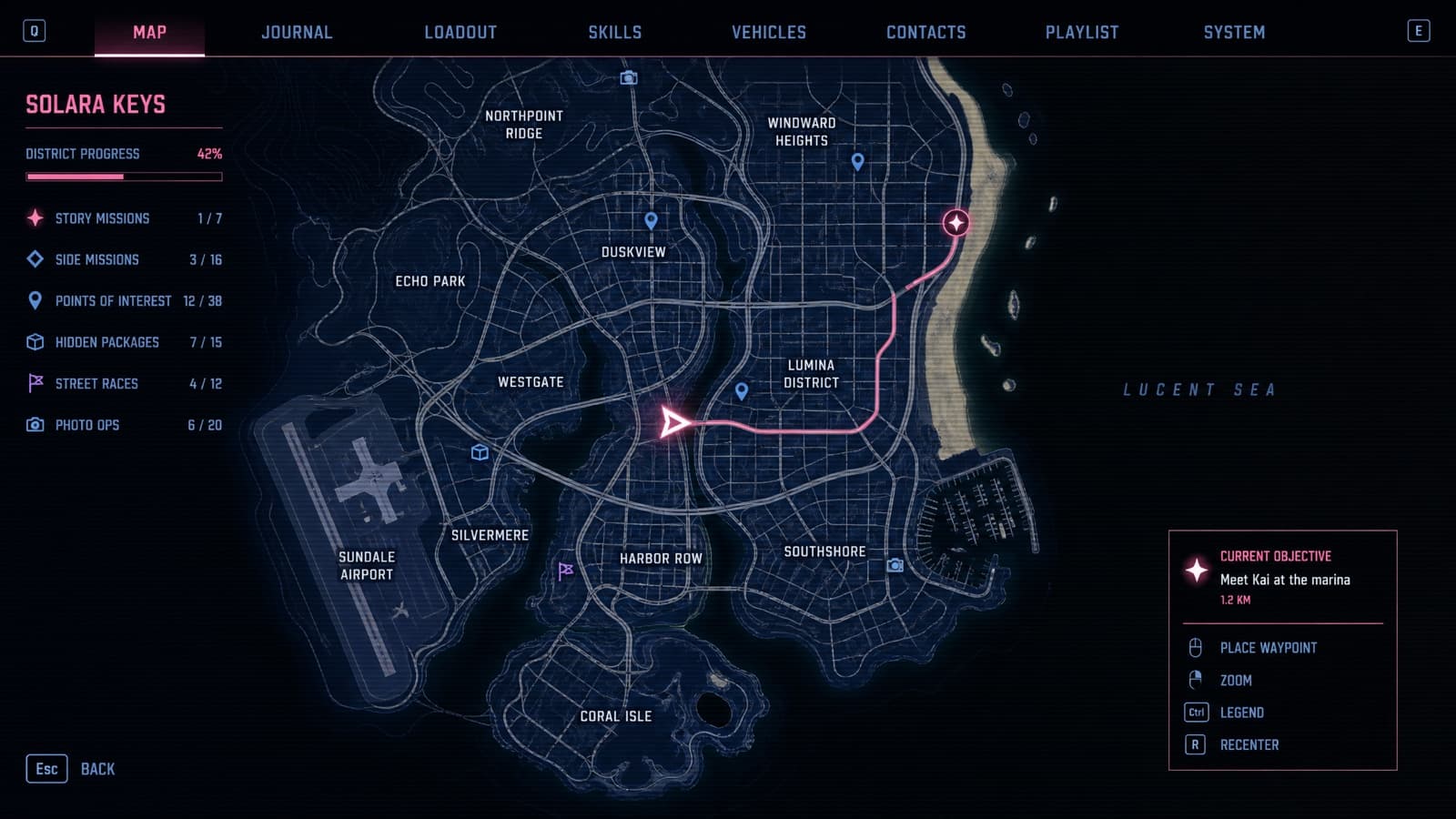
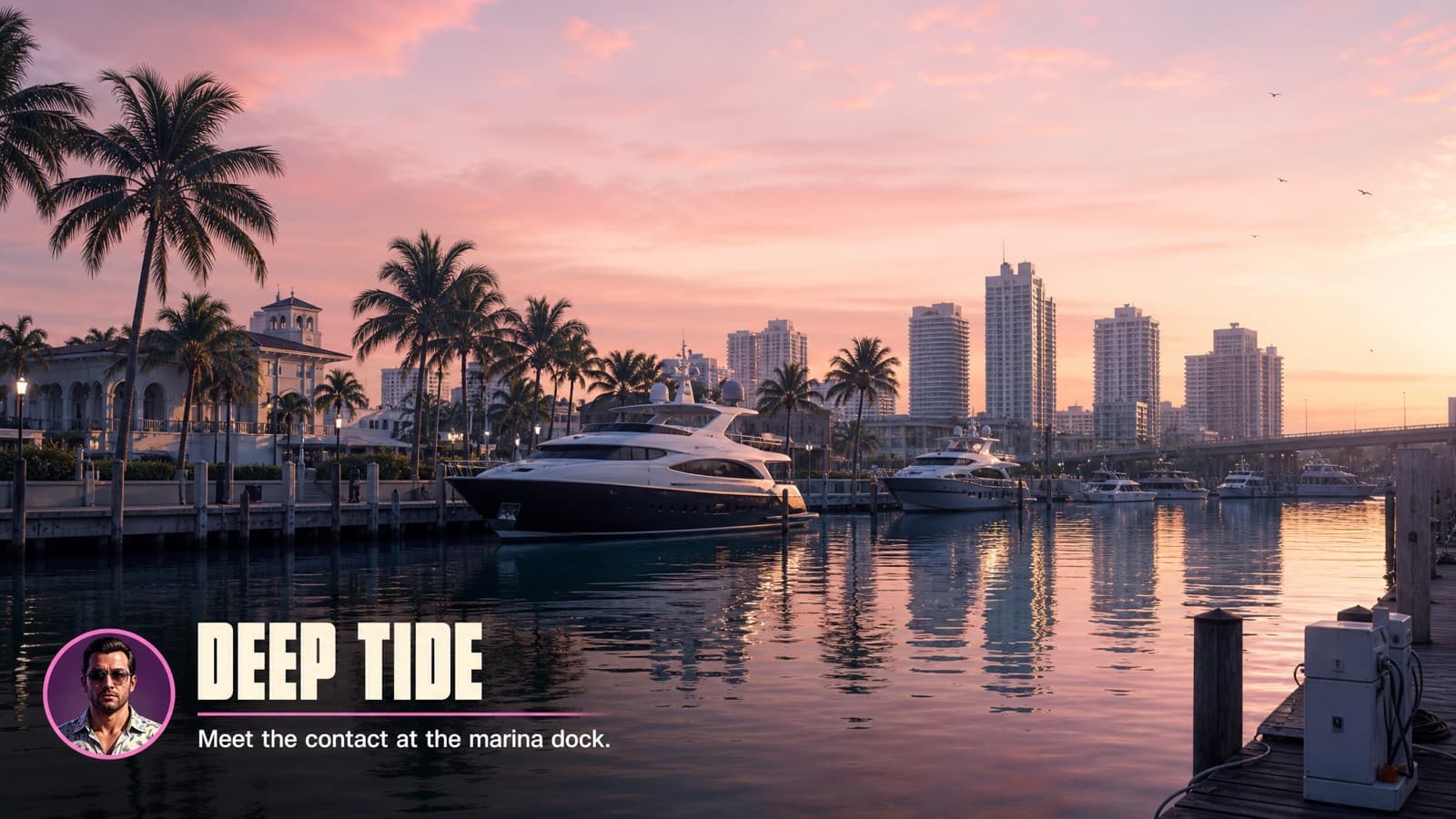
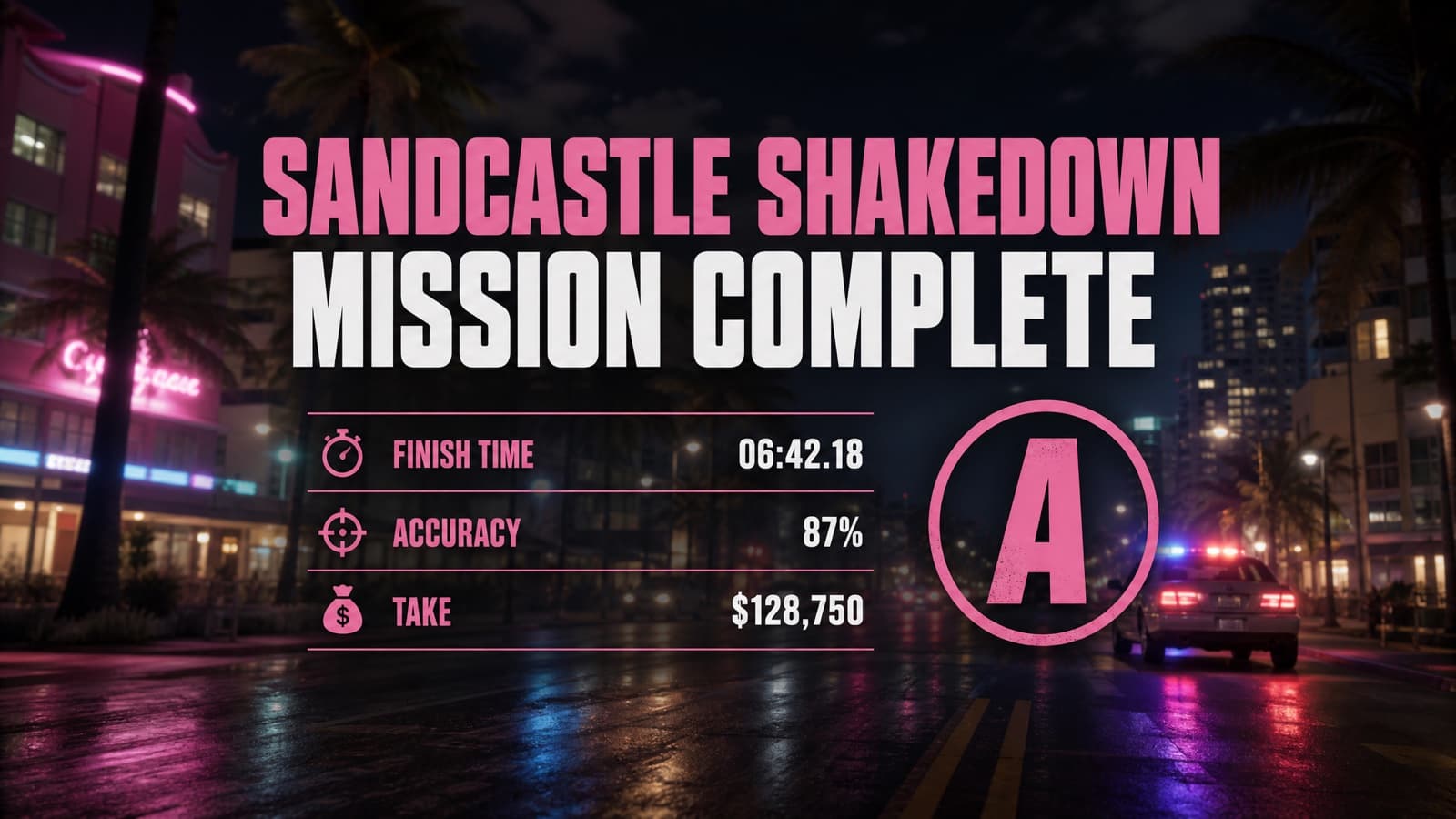
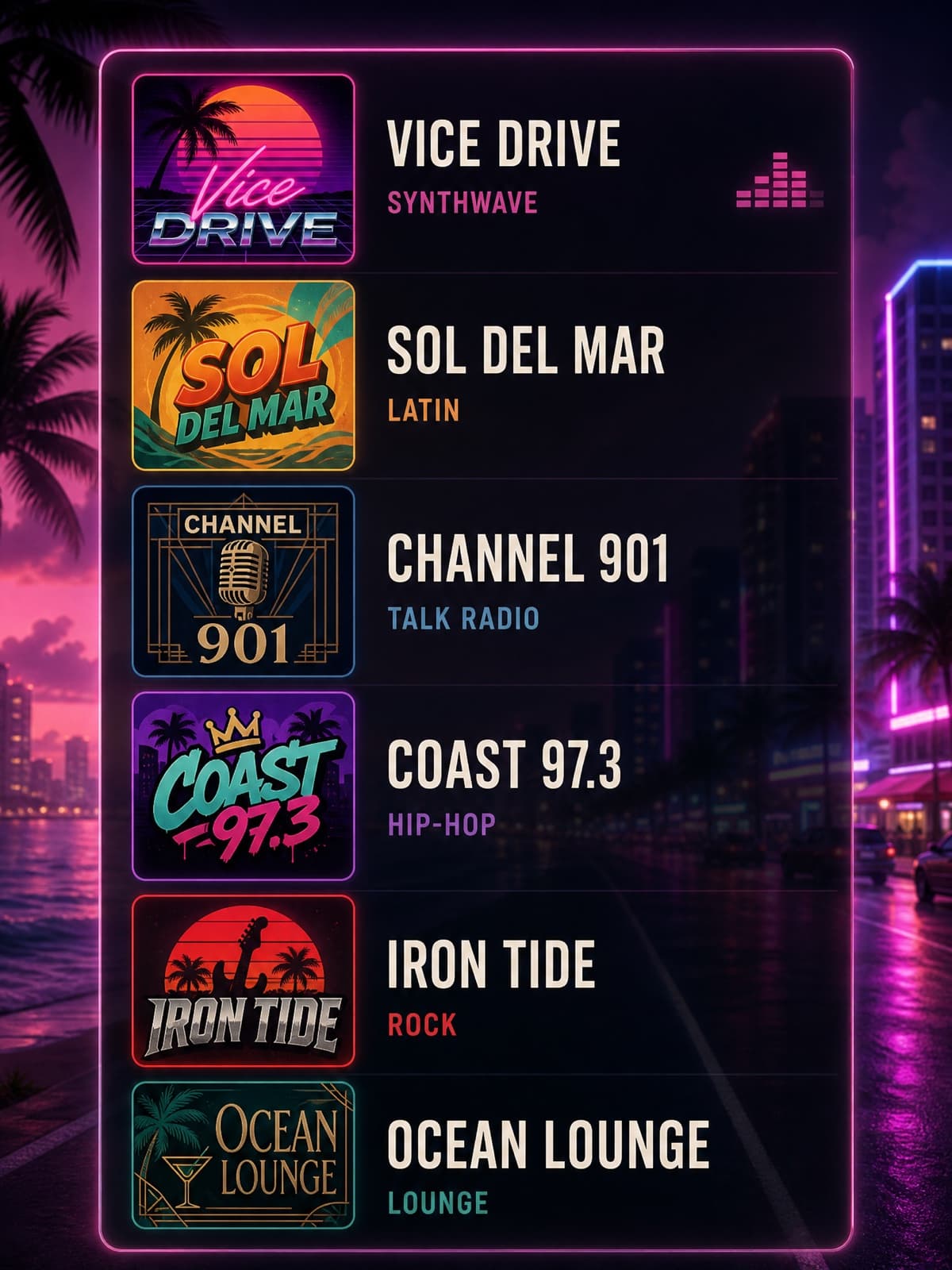
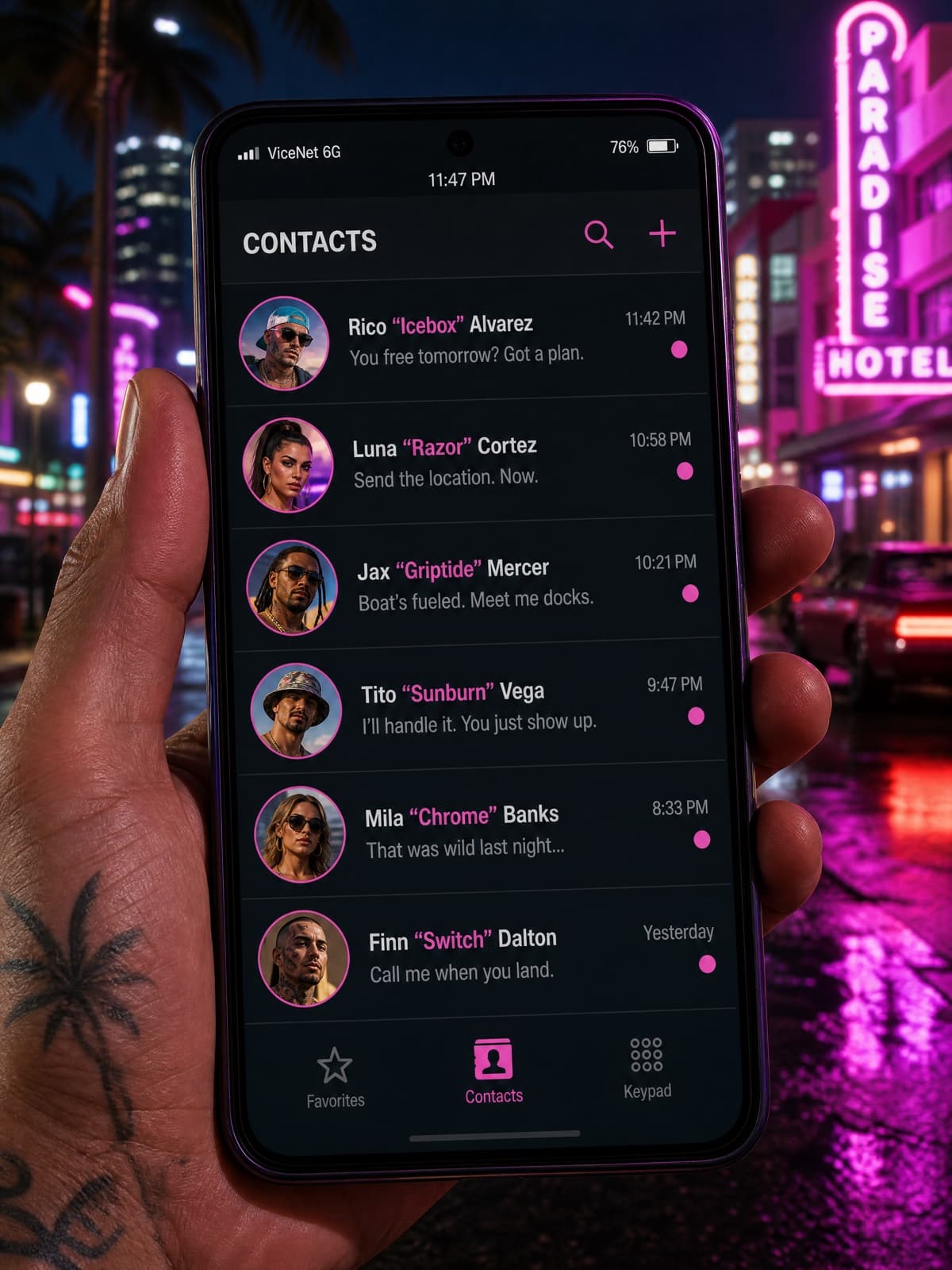
Or browse all 38 GTA 6 AI prompts in one place.
Fan-made parody prompt in the style of Grand Theft Auto VI. Not affiliated with or endorsed by Rockstar Games, and it requests no official assets, logos, or wordmarks.
Your blockbuster moment is one click away. No experience needed — just your photos and your imagination.