Mission Passed Card
The results screen, with a stat readout and a grade.
- Image prompt
- 16:9 landscape
- No photo needed
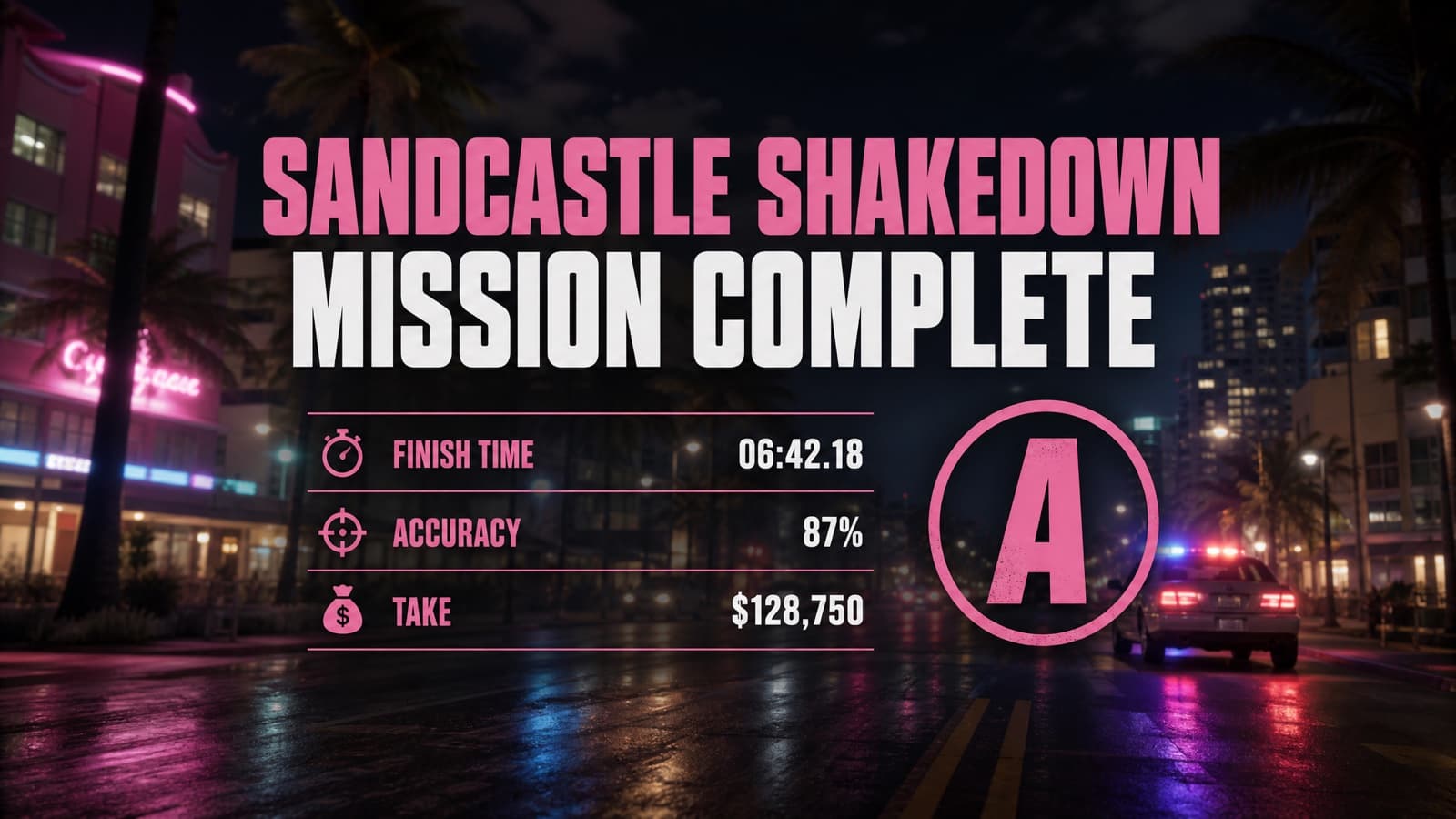
The prompt
A Grand Theft Auto VI style mission-complete results screen. Background: a slightly blurred photoreal night shot of a Vice City street with police lights receding. Centered over it, flat game-UI text reading an invented completion headline in a heavy condensed typeface, with a small stat readout beneath — three invented labelled rows with times and percentages — and a large letter grade in a circle at the right. Clean, crisp, readable. 16:9. Invented text only — No real logos, no brand marks, no watermark.
Which model to run it on
- GPT Image 2
- The only one to trust with text baked into the image — posters, menus, mission cards.
Don’t want to prompt it yourself?
Starrd’s GTA 6 Trailer template turns one selfie into a cinematic Vice City trailer starring you — the crew, the heist, the getaway. No prompt-writing, no model-picking, and your face stays consistent across every cut.
Make your GTA 6 trailer →More screens prompts
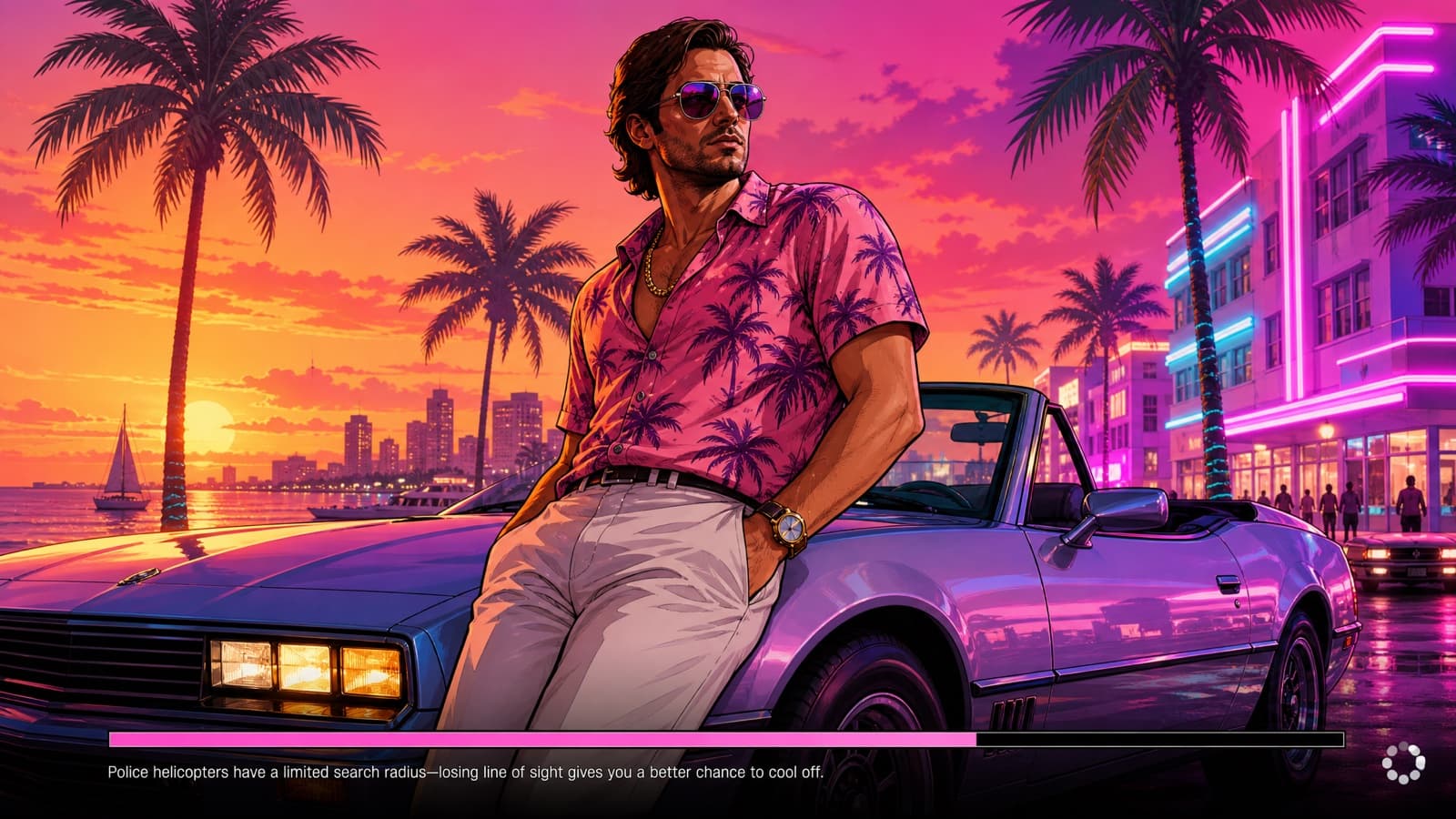
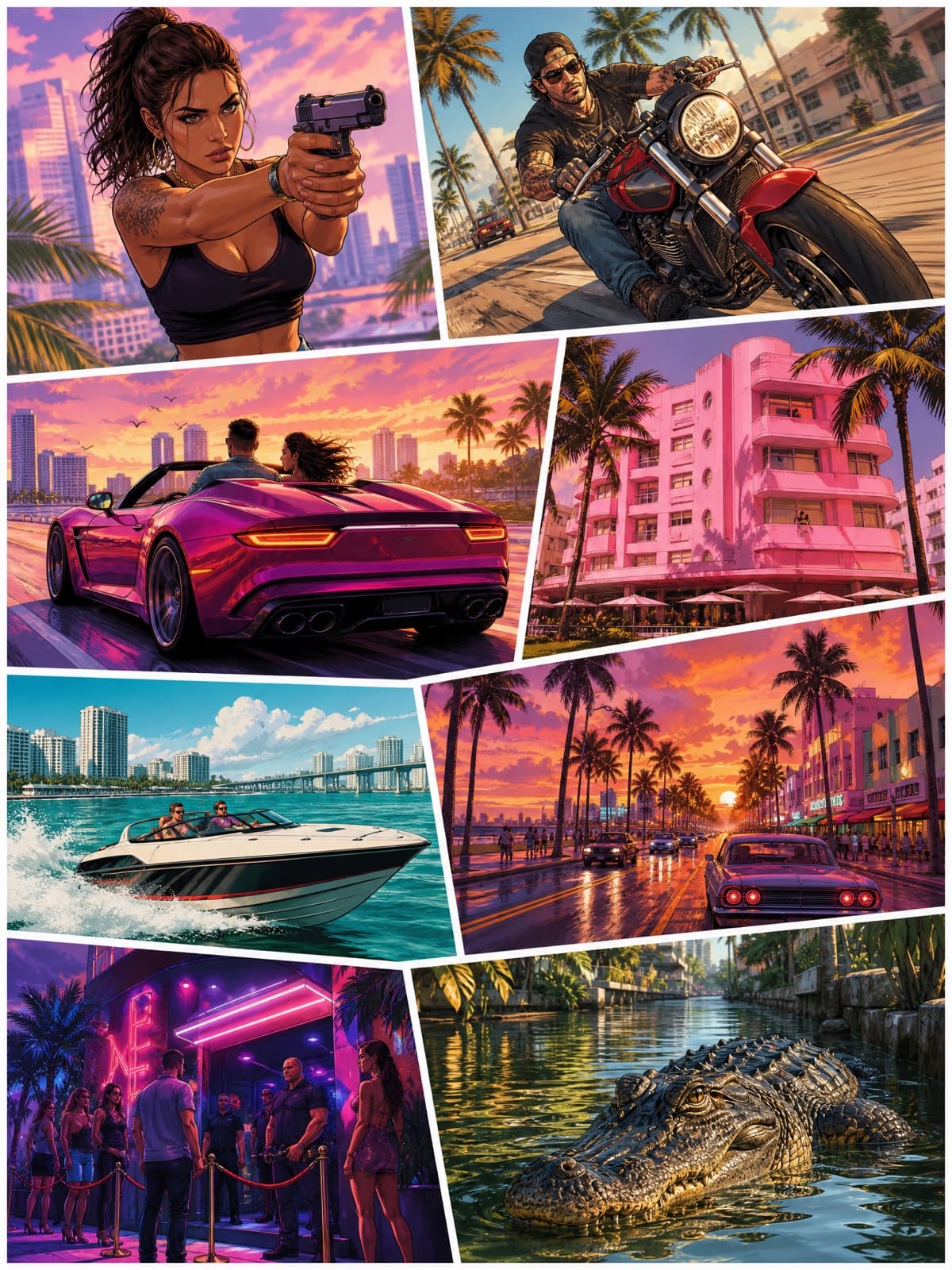
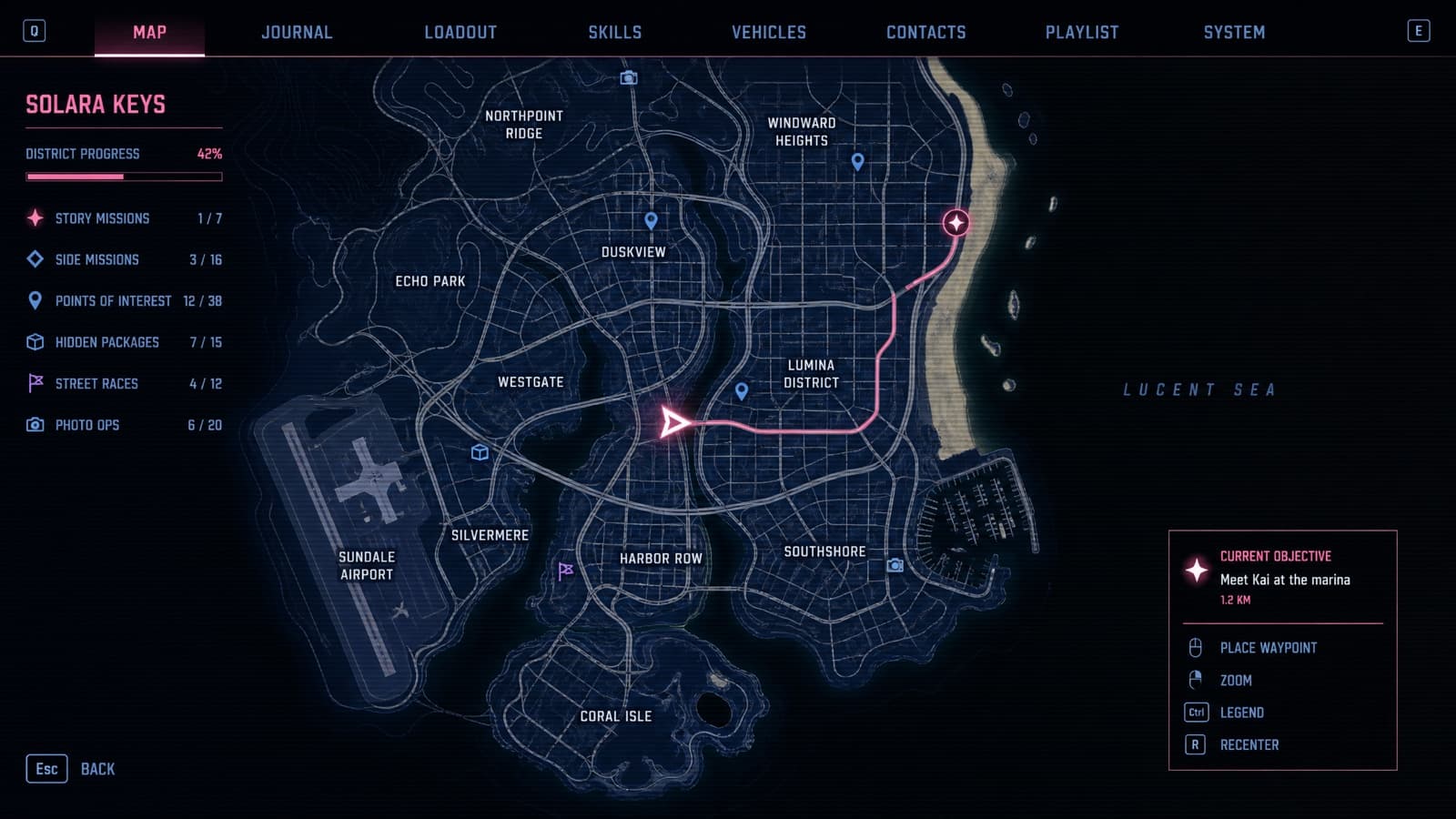
Or browse all 38 GTA 6 AI prompts in one place.
Fan-made parody prompt in the style of Grand Theft Auto VI. Not affiliated with or endorsed by Rockstar Games, and it requests no official assets, logos, or wordmarks.
Your blockbuster moment is one click away. No experience needed — just your photos and your imagination.