Quick answer
To make a GTA loading screen with AI, use an image model like GPT Image 2.5 with a prompt that names the Grand Theft Auto VI loading-screen style: an illustrated character with bold outlines and cel-shading in neon Vice City, a thin progress bar and a short tip line along the bottom, and no game title or logo anywhere. Upload a selfie and ask the model to keep your face to put yourself in it. Use 16:9 for a desktop wallpaper, 9:16 for a phone wallpaper, and crop a portrait square for a PFP.
Make Your Own GTA 6 Loading Screen
GTA 6 released on November 19, 2026, and GTA-style loading screens are back on every feed, as wallpapers, profile pictures and "me in GTA" posts. An AI image model can make one from a single photo.
Below are three tested prompts from our GTA 6 AI prompt library, each shown with the image it produced, and how to size the result as a wallpaper or a PFP.
Most Wanted: Game Menu
The moving version: upload one selfie and get a GTA-style game menu video with you as the character on screen.
How to Make It
- Choose the format. The full loading screen (art plus progress bar and tip line), a portrait of you, or your pet.
- Use a clear, front-lit photo if you want yourself in it. No sunglasses, face fully visible.
- Paste the prompt into ChatGPT (GPT Image 2.6), Nano Banana Pro (Gemini) or Midjourney, and upload the photo.
- Set the size. 16:9 for desktop, 9:16 for a phone wallpaper, 3:4 cropped square for a PFP.
- Check for stray text. If a title or logo slipped in, re-run with "no game title, no logo anywhere" moved to the start of the prompt.
The Prompts
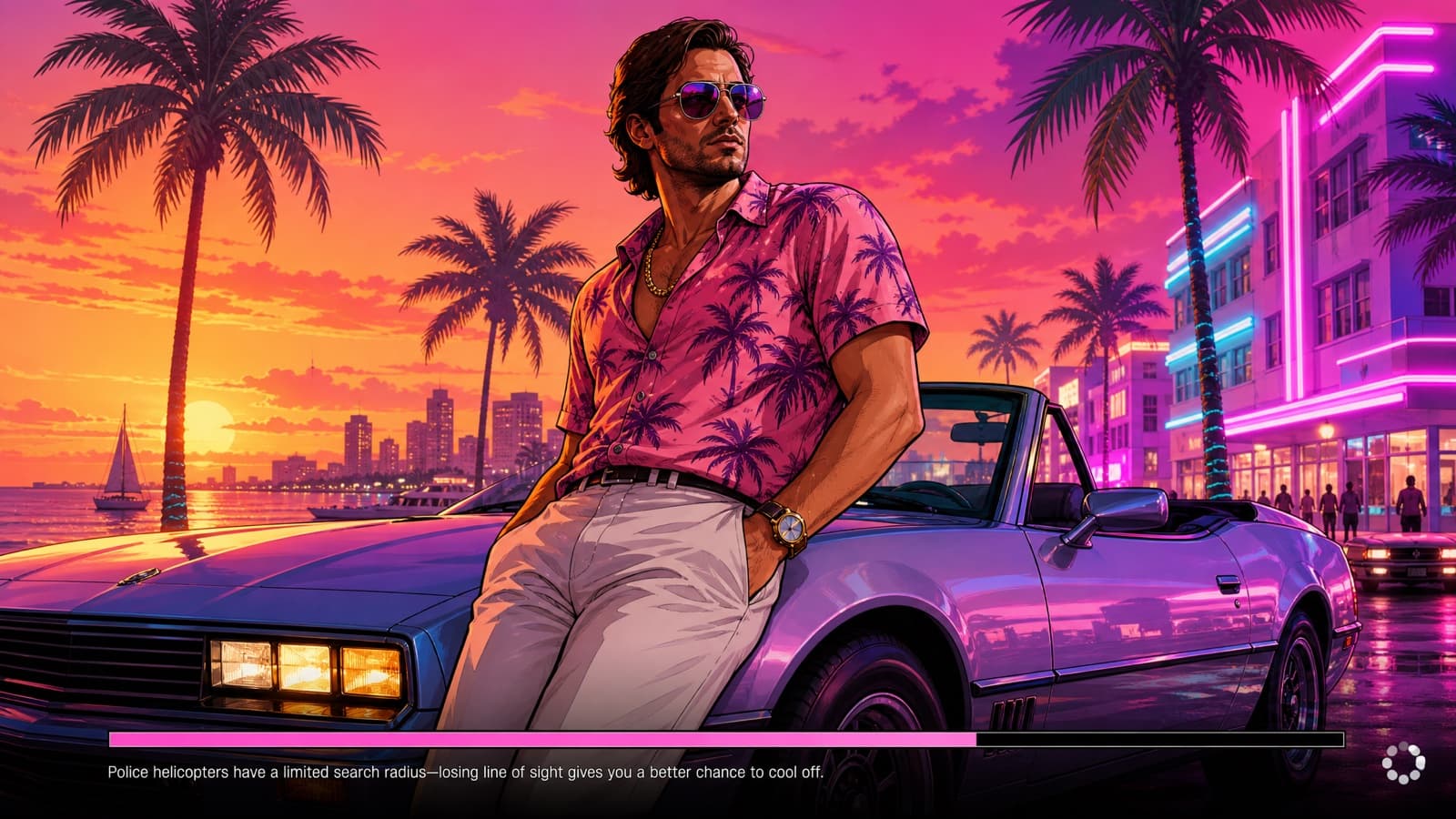
Full loading screen
Full Loading Screen
The whole screen, not just the art: an illustrated character filling the frame, with a progress bar and a short tip line along the bottom. GPT Image 2.5 handles the small text best.
To put yourself in it, upload a selfie and add "Use the person in the uploaded photo as the character and keep their face recognizable." at the start.
- Still
- 16:9
- GPT Image 2.5
A complete Grand Theft Auto VI style game loading screen. An illustrated GTA cover-art character leans against a convertible at a neon Vice City sunset, filling the frame edge to edge — bold outlines, cel-shaded, saturated color. Along the bottom edge: a thin horizontal progress bar about seventy percent filled, a short invented gameplay tip line in small plain sans-serif beside it, and a small spinning-icon placeholder in the bottom-right corner. No game title, no logo, no wordmark anywhere in the frame — the only text is the tip line. 16:9. No real logos, no brand marks, no watermark.
Watch for: Say "no game title anywhere" explicitly. Left to itself the model paints a big invented title block over your art, and it tends to reach for a real one.
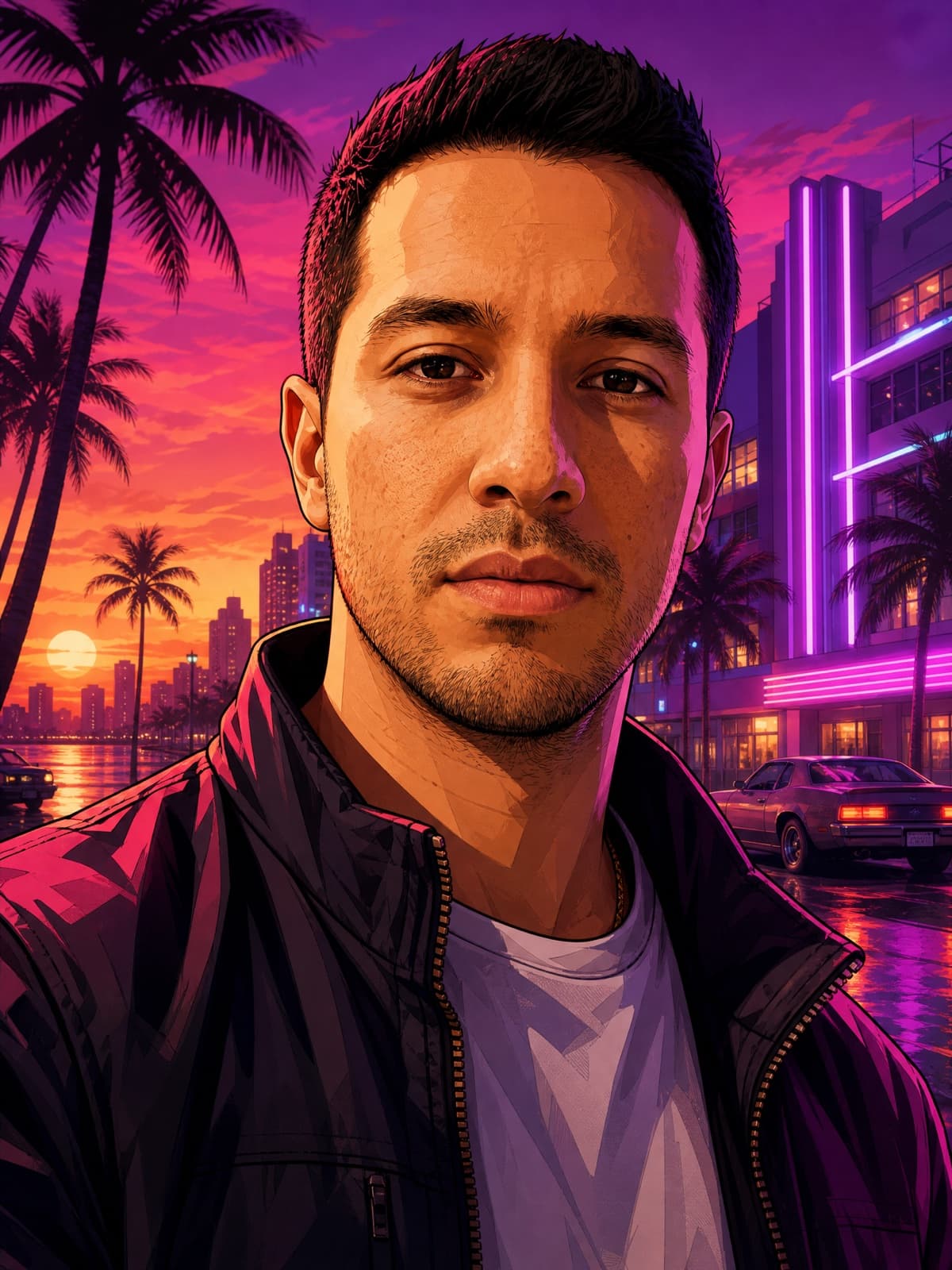
You as the loading-screen character
Loading-Screen Portrait
The classic "GTA me" portrait, made from your selfie. This is the one to crop for a PFP.
- Still
- 3:4
- Midjourney V8.1
- GPT Image 2.5
- Nano Banana Pro
Transform the uploaded photo into a Grand Theft Auto VI style loading-screen character portrait, illustrated GTA cover-art look. Keep my face, hairstyle, and skin tone clearly recognizable — do not beautify or replace my features. Give me a cool, confident, moody main-character aura: a hard cold stare into the camera, mouth closed, absolutely not smiling. Re-render me with bold clean outlines, semi-realistic cel-shading, richly saturated color and dramatic directional shadows, wearing streetwear. Background: a neon Vice City sunset with palm silhouettes, art-deco buildings and soft purple light. Vertical 3:4 composition. No real logos, no brand marks, no watermark.
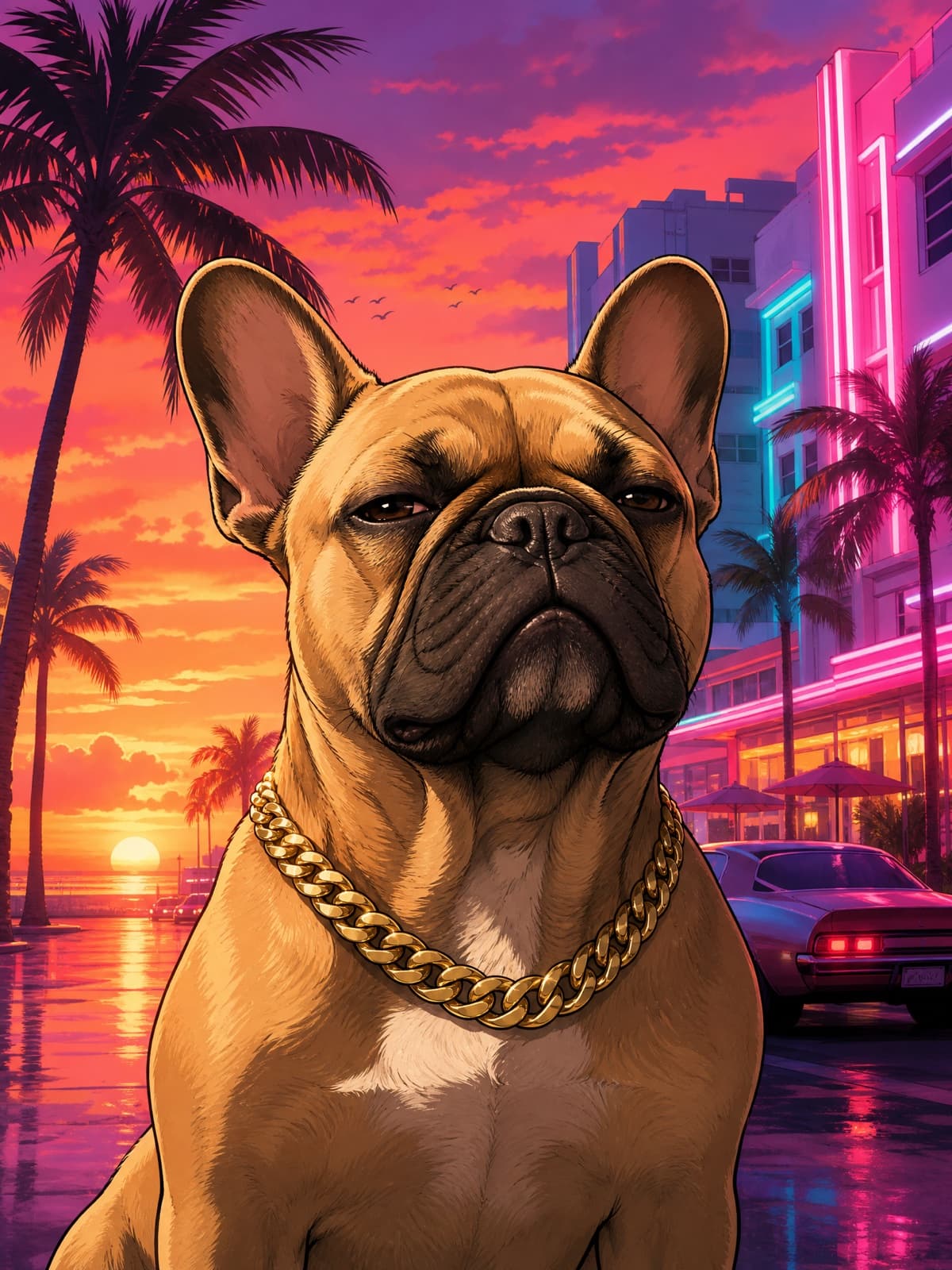
Your pet's loading screen
Pet Loading Screen
Same look, with your dog or cat as the main character. Name the breed and markings in the prompt.
- Still
- 3:4
- Midjourney V8.1
- Nano Banana Pro
- GPT Image 2.5
Turn the uploaded pet photo into a Grand Theft Auto VI style loading-screen character portrait. Keep the animal's exact breed, markings and face clearly recognizable. Re-render it as an illustrated GTA cover-art character with bold clean outlines, semi-realistic cel-shading and saturated color, wearing a gold chain, with a cool unbothered expression. Background: a neon Vice City sunset with palm silhouettes and art-deco buildings. Vertical 3:4. No real logos, no brand marks, no watermark.
Watch for: Say the breed by name in the prompt. "Dog" gets you a generic dog; "tan French bulldog with a white chest" gets you yours.
GTA 6 Wallpaper and PFP Sizes
| Use | Aspect ratio to put in the prompt | Tip |
|---|---|---|
| Desktop or TV wallpaper | 16:9 | Use the full loading screen prompt as written. |
| Phone wallpaper | 9:16 | Keep the subject in the lower two-thirds so the clock doesn't cover the face. |
| PFP (profile picture) | 3:4, then crop square | Keep the face in the middle third; it's shown as a small circle. |
| Banner or header | 16:9, then crop wide | Put the subject on one side so the profile photo doesn't cover them. |
Don't ask for the GTA logo or the Rockstar wordmark. It's the most common reason GTA prompts get refused, and the loading-screen look works without it.
Make It Move
Want it animated? The GTA 6 Loading Screen template turns one selfie into a 12-second video: a real-looking clip of you on a Miami street that freezes and repaints into loading-screen art, ending on the full collage.
GTA 6 Loading Screen
Upload one selfie. A real-looking clip of you on a Miami street freezes and repaints into painted GTA-style loading-screen art, ending on the full collage.
If you want yourself moving through Vice City instead, the GTA 6 Trailer template makes a 15-second cinematic version from one selfie.
GTA 6 Trailer
Upload one selfie and star in a 15-second cinematic GTA 6-style trailer: neon Vice City, the crew, the getaway. Your face stays the same in every shot.
Related Reading
- The Best GTA 6 AI Prompts — all 40 prompts, each with its result.
- GTA 6 Filter & PFP Maker — nine styles from one photo, with before and after.
- GTA 6 Cover Art With AI — you on a GTA 6-style cover or box art.
- How to Make an AI Game Menu Video — the moving loading-screen menu.
- How to Make a GTA 6 AI Video of Yourself — the one-selfie trailer.
Not affiliated with Rockstar Games. Fan-made parody prompts in the style of Grand Theft Auto VI.


