Quick answer
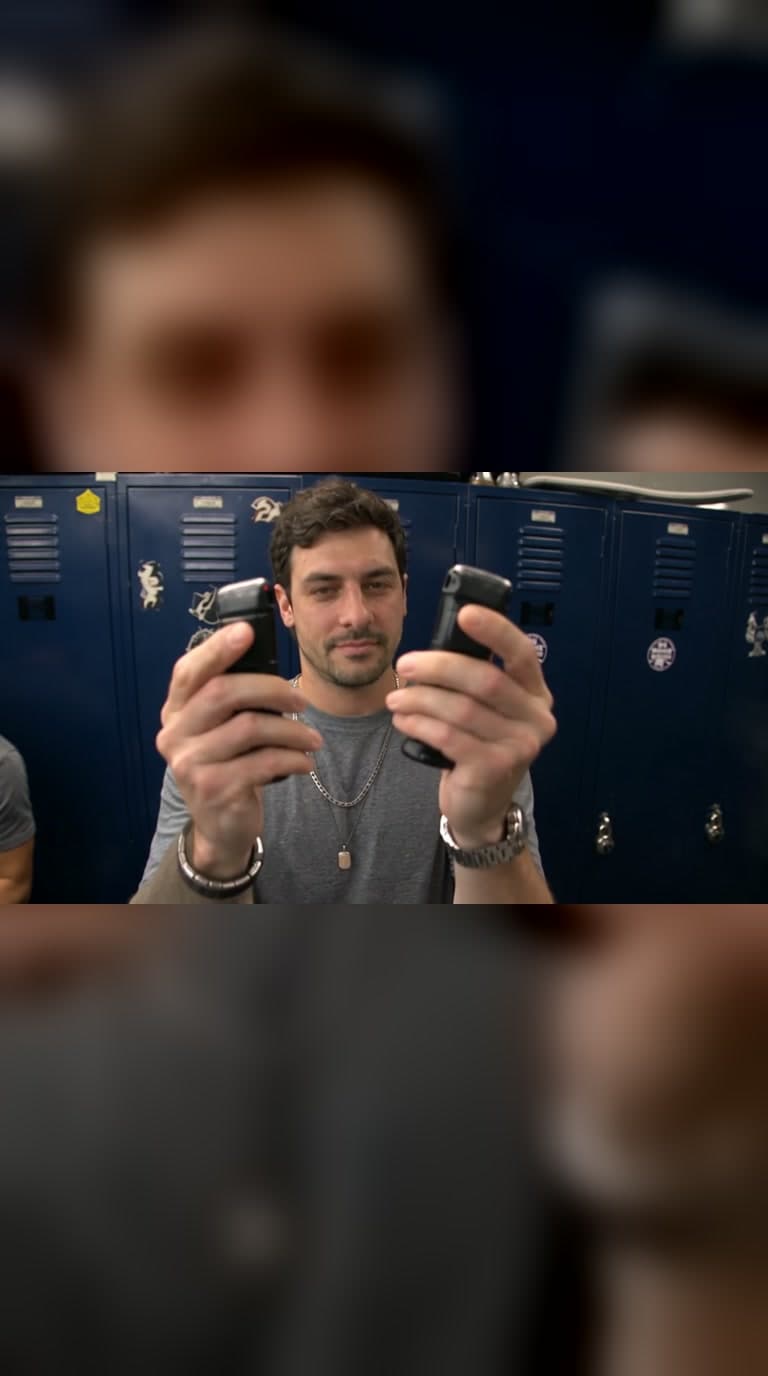
Starrd's End of Watch template turns one photo into the viral locker room gear check. You stand in front of navy-blue police lockers and show the camera your gear one item at a time: pepper spray, a pistol with a mounted light, a flashlight that floods the lens, two tasers, a knife flip, and handcuffs dangled at the camera. Every cut lands where the original cuts. 6 seconds, widescreen, with the music, 100 credits.
One photo, and you're in the End of Watch locker room gear check: standing in front of the navy police lockers, showing the camera your gear one item at a time. Here it is:
End of Watch
One photo. You show the camera your gear in the locker room, item by item. 6 seconds.
What Is the End of Watch Trend?
It's a 6-second AI clip that spread on TikTok under #endofwatch and #endofwatchlockerscene. A guy stands in a police station locker room, the camera close to his face, and shows off his gear in quick cuts: pepper spray, a pistol with a light, a flashlight blast, two tasers, a knife, then handcuffs dangled right at the lens. People recast it with themselves, their friends and their favorite players.
What You Get
- You as the star. Your face, your hair and the clothes from your photo.
- Every item, every cut. Seven quick shots, each one landing exactly where the original cuts.
- The locker room. Navy-blue lockers, stickers, fluorescent light and the guys changing in the background.
- The music, 6 seconds, widescreen.
Use a clear photo with your face to the camera, in good light. Waist-up works best, since the clip is close and handheld.
How to Make It
- Open End of Watch on Starrd.
- Upload one photo of you.
- Tap generate. It's ready in a few minutes.
- Post it, and label it as AI.
More viral trends: Unforgettable and Car Alarm Dance.