Quick answer
Upload one photo of your car to Starrd's Need for Speed template. It draws your exact car from the back, side and top, then swaps it in for the red Mustang in the 2014 Need for Speed movie street scene: a burnout at a crossroads, the car pulling away seen through the windshield of a chasing car, and a smoking donut in front of the houses. Every other car stays the same, and the original engine and tire sound is kept. Any car, truck, SUV or motorcycle works, and a non-vehicle object takes the car's place. 1 photo, 8 seconds, horizontal 16:9, 480p, 120 credits (about $6).
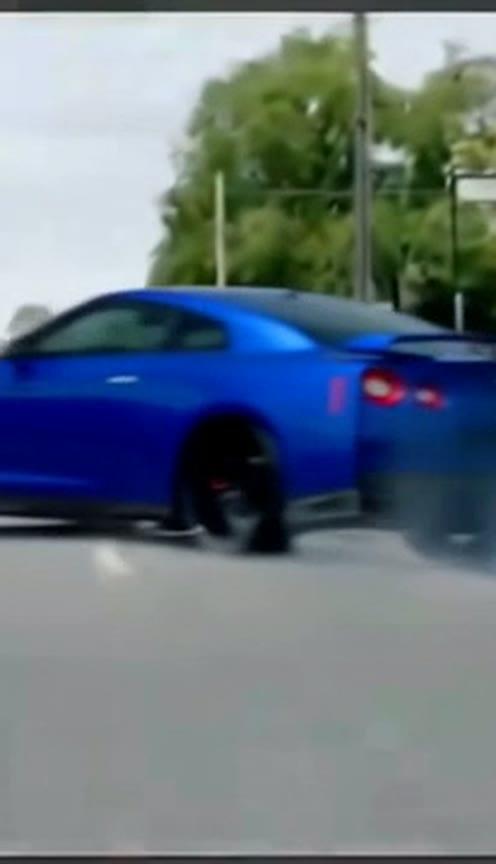
Your car, in the Need for Speed street scene. Here's a blue GT-R doing it from one photo:
Need for Speed
One photo of your car. A burnout, a chase and a smoking donut from the movie street scene. 8 seconds, horizontal.
What You Get
- Your car, exactly. Same make, model, paint, wheels and mods as your photo, in every shot.
- The whole scene in 8 seconds: the burnout, the chase through the windshield and the donut.
- Everything else untouched. The chase car, the traffic and the street stay as they were.
- The real sound. Engine roar and tire screech, no music.
- Horizontal 16:9, cinematic, ready for YouTube, X and Reels.
What the Video Actually Is
It's the street scene from the 2014 Need for Speed movie: the hero car, a red Mustang, lights up its tires at a crossroads, tears off while another car gives chase, and finishes with a smoking donut on a quiet street lined with houses. This is an unofficial fan take: Starrd isn't connected to the film or the games, and there are no logos or title cards.
Why it suits AI: a burnout and a donut on a real street need a closed road, a stunt driver and a set of tires. Here only the car changes, so the camera moves, the smoke and the other cars come straight from the scene.
The Shots
| Time | What happens |
|---|---|
| 0–1s | Your car spins a burnout at the crossroads, seen from the side and rear three-quarter, smoke pouring off the back tires |
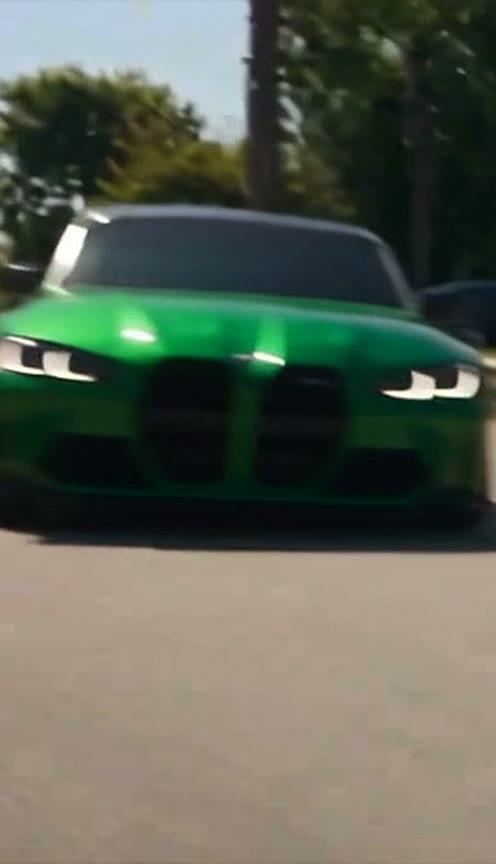
| 1–4.5s | Through the windshield of the chasing car: your car pulls away and slides across the lanes |
| 4.5–5s | Out on the street, your car darts past a red SUV |
| 5–8s | A smoking donut in front of the houses, seen side-on |
How It Keeps Your Car Looking Right
The scene shows the car from behind, from the side and through a windshield. So the template first draws your exact car from the rear, rear three-quarter, side and top, then uses that sheet to swap it in. That's why one photo from any angle is enough.
Use a photo where the whole car is in frame and nothing blocks it, in daylight. Unusual paint, a wrap or aftermarket wheels show up clearly in the side-on donut, so that's where your mods get noticed.
The Fastest Way
Need for Speed
Your car does the Need for Speed burnout, chase and donut. One photo, 8 seconds.
One photo, 120 credits (about $6), no prompt. Horizontal 16:9, 480p, 8 seconds, with sound. Find it in Cars.
Want the whole scene? A longer Extended version is also available: 26 seconds with onlookers on a deck, a pass by the gas station, the chase and the donut.
Need for Speed (Extended)
The longer cut: onlookers, the gas station, the chase and the donut. One photo, 26 seconds.
Build It Yourself
1. Start from the clip, not a prompt. Getting a model to invent a burnout, a chase and a donut with the right camera moves is hard. Swapping one car in a real clip keeps every move and every cut.
2. Make a four-view sheet of your car. One photo only shows one side. A sheet of the same car from the rear, rear three-quarter, side and top keeps it the same car when the camera changes angle.
A photorealistic reference sheet of the exact vehicle in the photo, on a plain light gray background, no text. Four views in a row: directly from the rear, rear three-quarter, full side profile, and directly from above. Same paint, wheels, trim, badges and mods in every view, same scale, soft even studio light.
3. Swap only the hero car. Give a model that replaces objects in video your sheet and the clip, and say which car to replace by its color, plus that every other car stays as it is. Starrd's Object Swap does this on your own clip.
Common Mistakes
Every car turns into yours. Name the car you're replacing by color and say that every other car on the road stays exactly as it is.
Your car changes between shots. Without the four-view sheet, the side-on donut can come out a different model from the burnout. Make the sheet first.
A cropped photo. If the photo cuts off the front or back of the car, the model guesses that part. Get the whole car in frame.
Related Reading
- How to Make the Tesla Roadster 0–60 AI Video: your car swapped into the Roadster's one-second run
- How to Make an AI Car Drift Video: your car sliding through a mountain pass
- How to Make the Boost Over Traffic AI Video: your car jumps a traffic jam
- How to Make the Unbothered Car Stunt AI Video: a calm car commercial on a dirt track
- Viral AI Video Trends 2026: every trend we've turned into a template this year