Quick answer
Upload one clear photo to Starrd's I Want You Back template and it generates a full-body clip of that person doing the viral I Want You Back dance — the TikTok routine to the Jackson 5 classic — choreography mapped move-for-move and synced to the track. It costs 100 credits (about $5), works on any subject, and there's no prompt to write.
The same dance, any subject — tap one to make it with your photo.
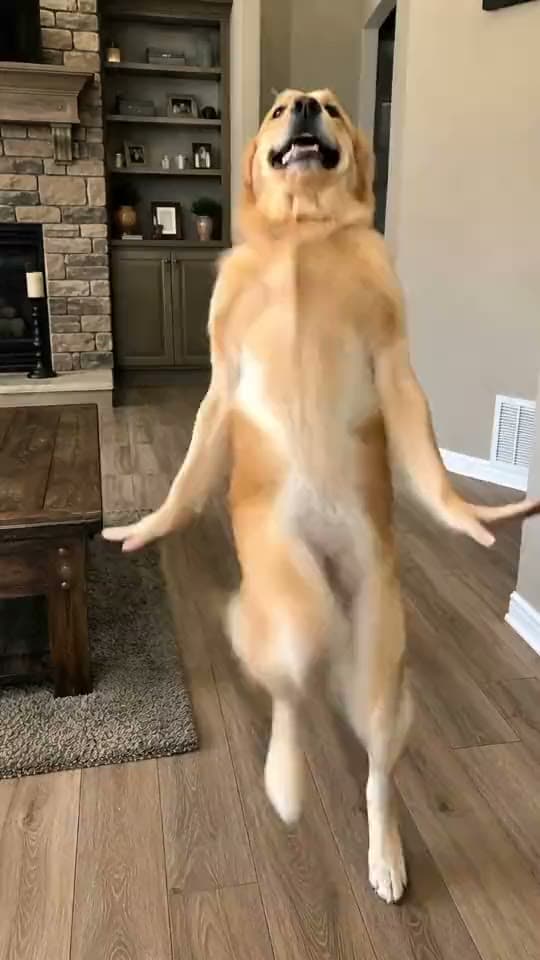
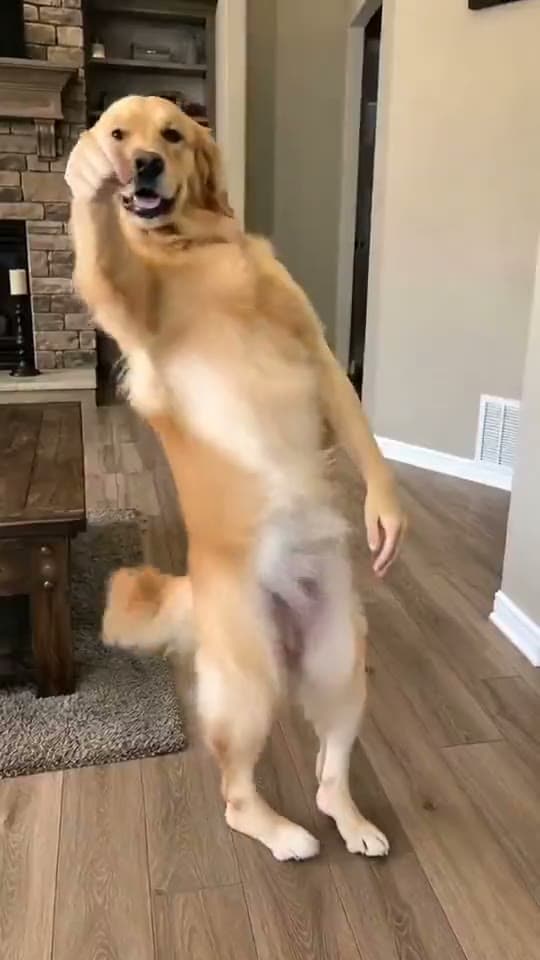
One photo in, and out comes that person doing the viral I Want You Back dance — the bouncy TikTok routine set to the Jackson 5 classic, full body, every step on the beat. Here's exactly what you get:
I Want You Back
Drop any photo and watch them do the viral I Want You Back dance — the TikTok routine to the Jackson 5 classic, mapped move-for-move and synced to the track. One tap, no prompt.
Why This One Travels
"I Want You Back" is one of those songs TikTok never lets die — that opening bassline is recognized within one bar, across three generations. The routine that grew around it is joyful and clean: big readable moves, no floor work, pure feel-good energy. Which makes it the rare dance trend where the wholesome version wins as hard as the joke version.
And the joke version writes itself. The person in the photo is the punchline: your dad who hasn't danced since 1987, grandma, your friend who claims they "don't dance." Motion-capture-grade choreography from one still photo means anyone can be the performer.
How to Make It (3 Steps)
- Pick one clear photo. One subject, front-facing, good light, as much body visible as possible. This is the whole quality lever.
- Open the I Want You Back template on Starrd — it's in the Dance category.
- Upload and generate. You get a vertical 9:16 clip of your subject performing the routine, synced to the track. 100 credits, about $5. No subscription, credits never expire.
The subject swap is the content. Making the least likely dancer in your camera roll do the routine beats a straight self-insert almost every time. If it's someone else's photo, ask them first — the versions that go well involve someone who's in on it.
No Green Screen, No Motion Source Hunting
The old way to do this was motion transfer: find the original dance clip, feed it to a tool like Viggle, map it onto your photo, and hope the face survives the spins. It often doesn't — warped hands and melty faces are the signature failure.
The template skips all of it. The choreography is already built in, and instead of stretching your photo over a skeleton, Starrd regenerates a clean full-body performer that looks like your subject — so the face stays consistent through every bounce. One tap, done.
I Want You Back
The full routine from one photo — clean, on the beat, face intact. 100 credits, about $5.
Common Mistakes
- A blurry or group photo. One subject, sharp, front-facing. This decides everything.
- Muting the song. The Jackson 5 bassline is the trend — the template keeps the track in.
- Posting horizontal. It's a 9:16 format. The template already outputs vertical.
- Skipping the AI label. Every major platform requires it, and the clip travels fine with it.
Related Reading
- How to Make an AI Dance Video — the pillar guide: every named routine in the dance library, same one-photo workflow.
- How to Make Your Pet Dance With AI — the dancing dog/cat cut of the format.
- How to Make the Juju On That Beat AI Dance — the schoolyard classic, same one-tap flow.
- Browse all dance templates →